Setup
Set up BoltAI in 2 minutes
Written By Daniel Nguyen
Thanks for purchasing BoltAI! Follow the simple guide below to get started.
Installation
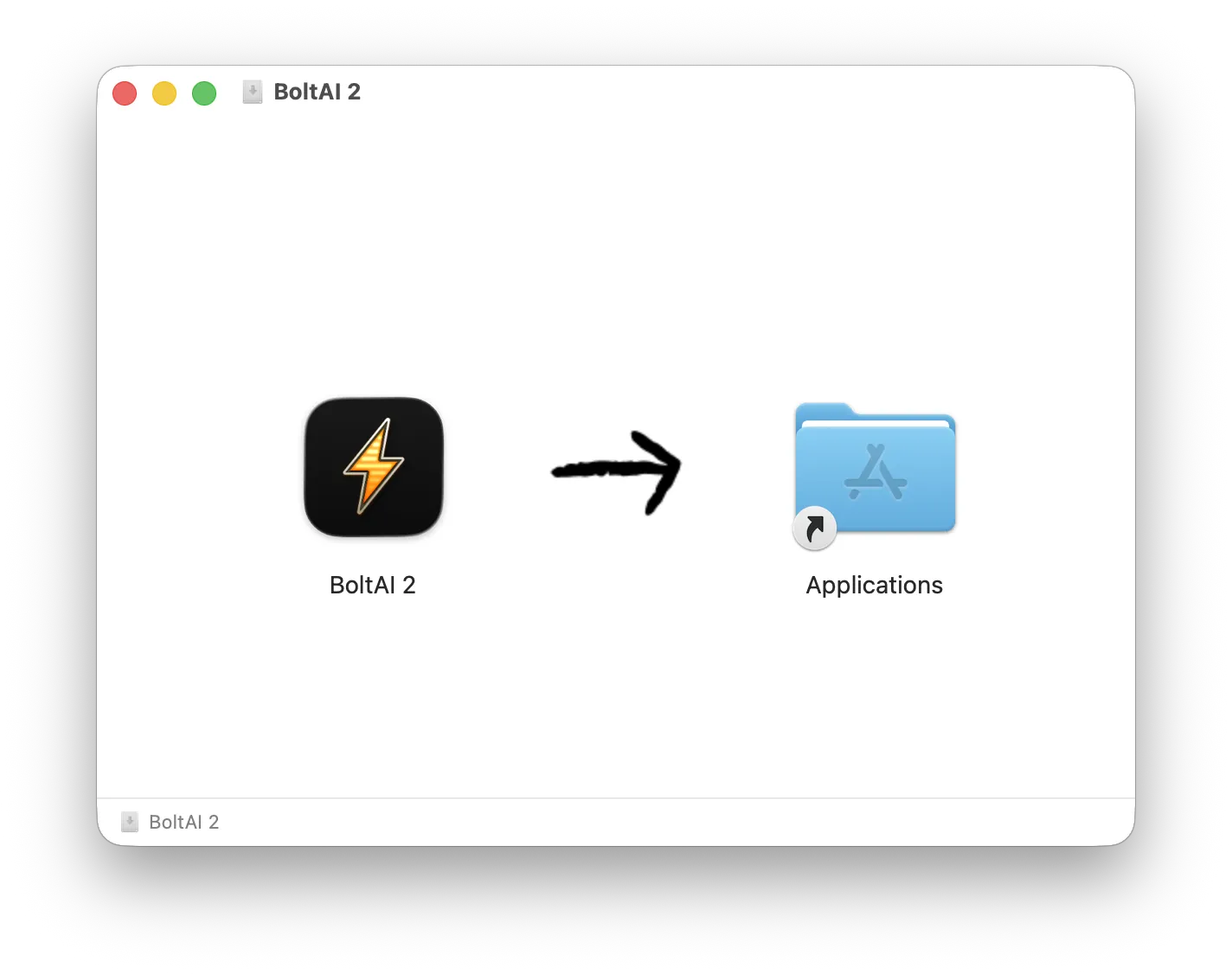
Set up your account
Open the app and finish the onboarding flow.
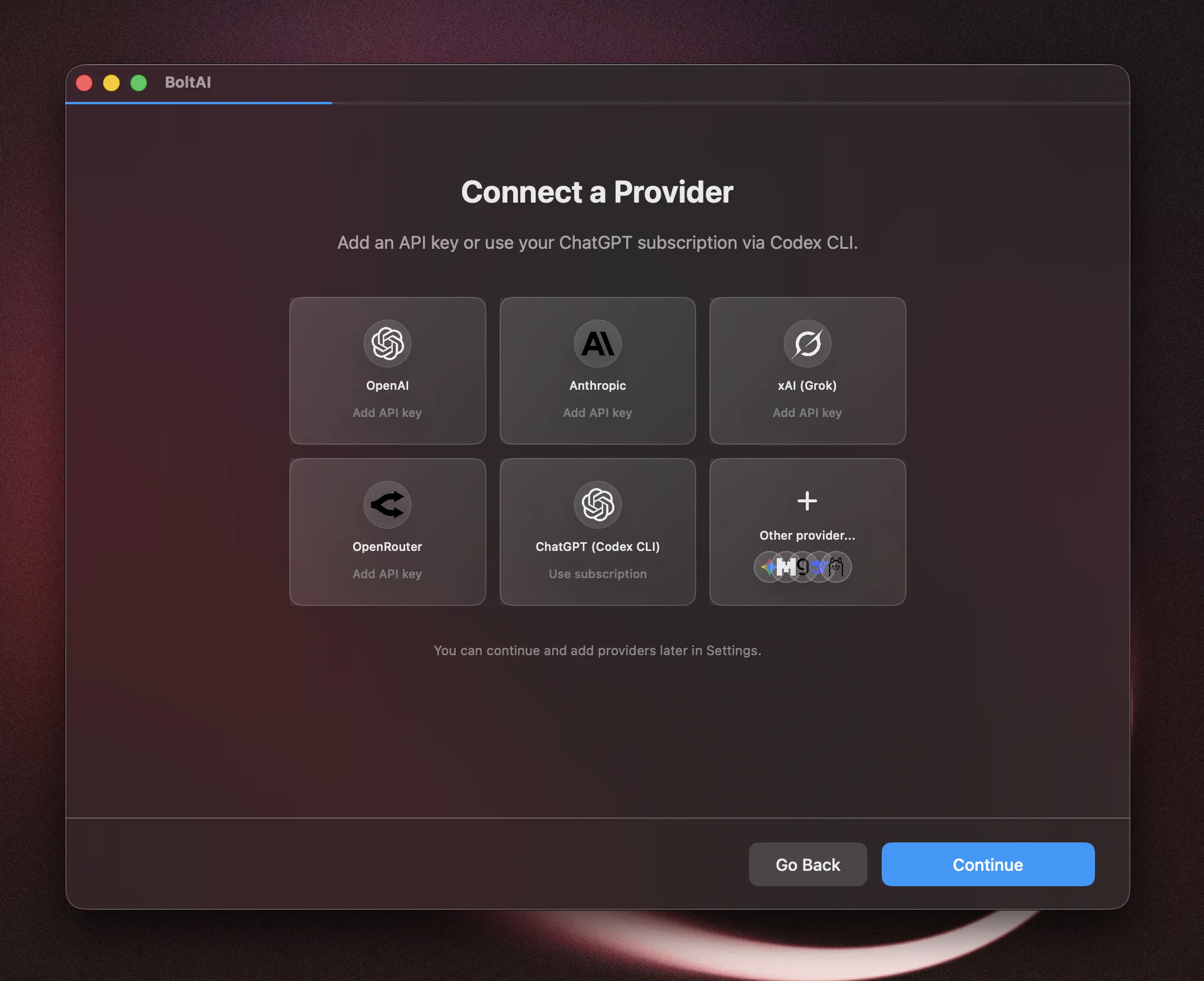
Connect a Provider
BoltAI supports all popular AI service providers, including ChatGPT subscription via Codex CLI integration. In this step, you can quickly connect to your favorite provider in a few clicks.
Select your favorite provider from the grid.
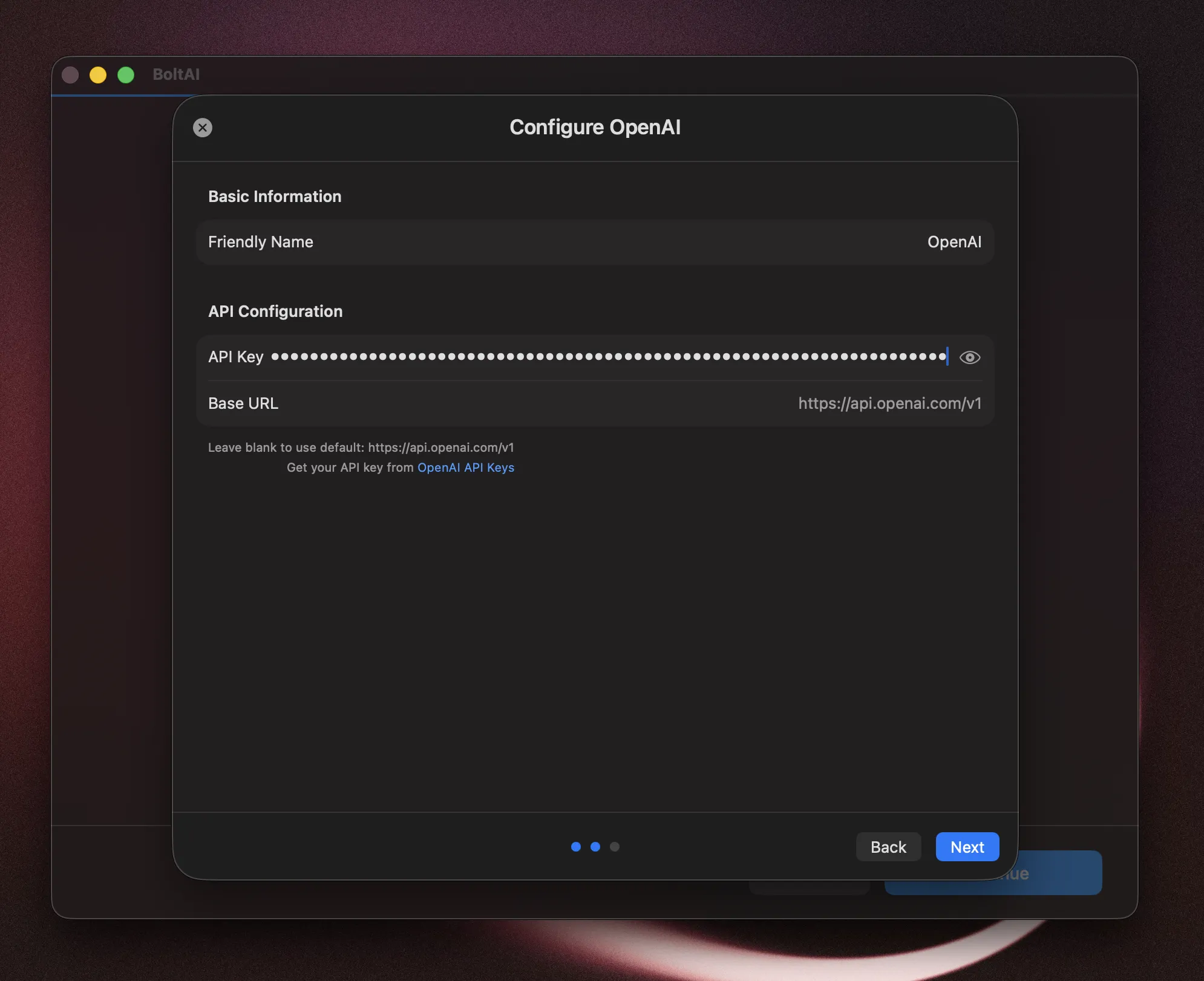
Enter your API key, then click Next
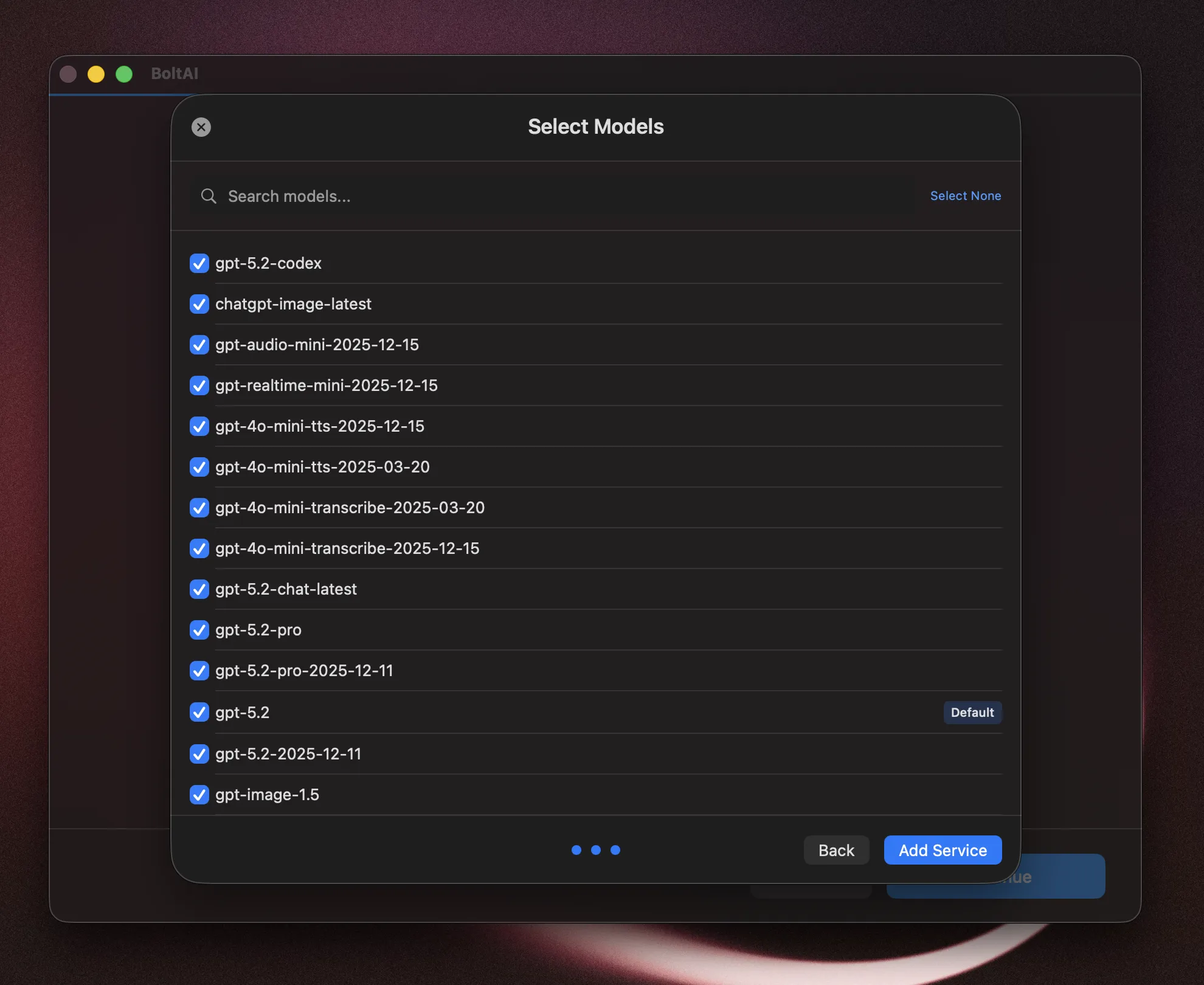
Set the default model. Optionally, you can deselect the models you don’t want to use. Click Add Service.
Click Continue.
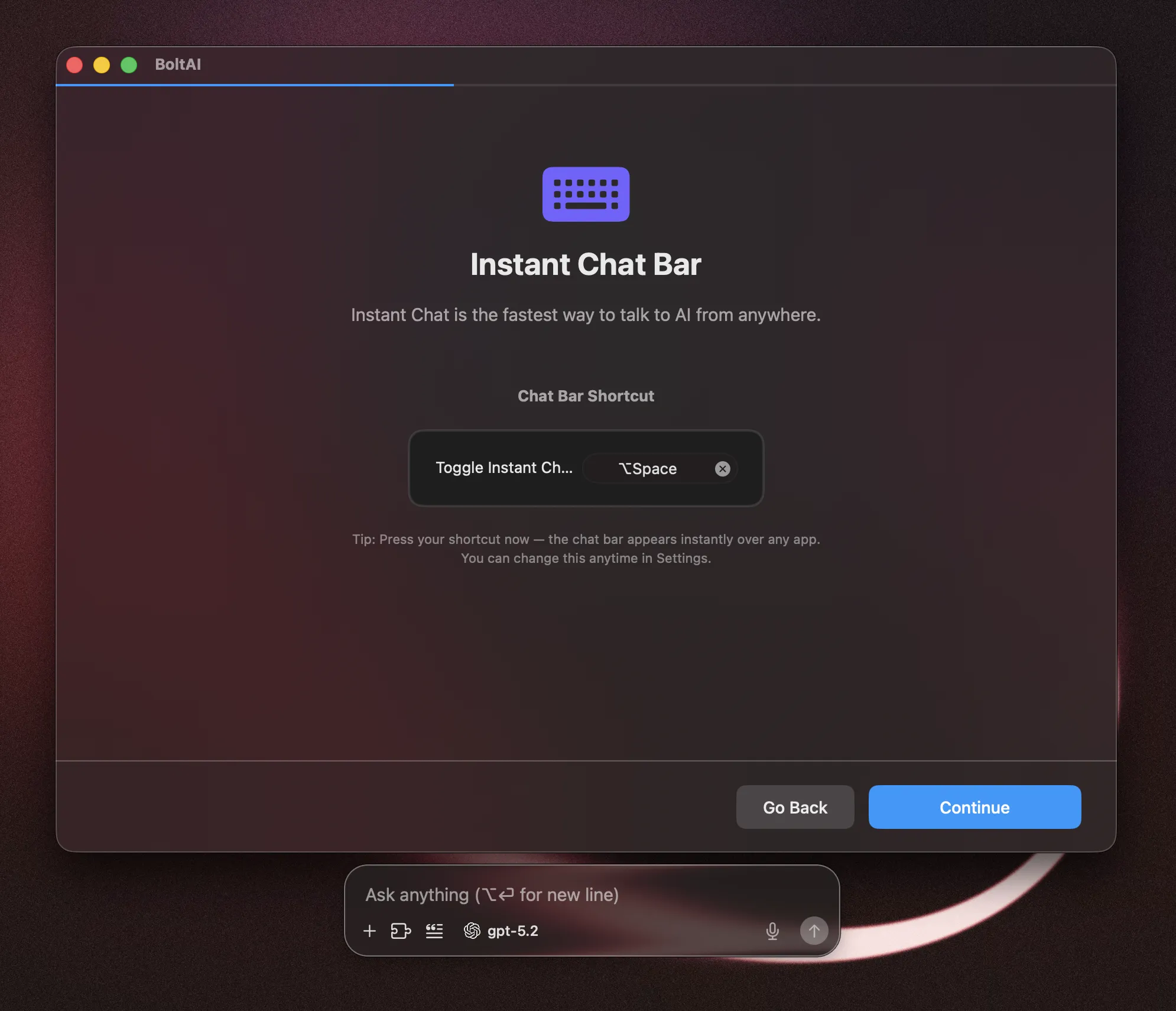
Set up Instant Chat Bar
The Instant Chat Bar allows you to start a chat anywhere with a simple keyboard shortcut.
Enable Cloud Sync
To sync your data across devices, sign up for a BoltAI Cloud account. Note that Cloud Sync is 100% optional — you can activate your license key without a cloud account.
Activate Your License
Enter your License Key and click “Activate License”. You can enter your v2 license key (starts with B2- or your legacy v1 license key. Your v1 license key will be upgraded automatically. Learn more…
If you don’t have a license key yet, click “Continue Free Trial” (14-day free trial — no feature restriction)
You’re all set!
You can start a new chat now.
Was this helpful?
Still need help? Ask the team