Features
BoltAI is the best AI client for Mac: feature-packed, native performance and respect your privacy.
Written By Daniel Nguyen
Key Features
Native, modern mac OS app
BoltAI is a native macOS app, built using SwiftUI and AppKit. It offers familiar UI, Universal Shortcuts Keys, and super-fast Apple M1/M2/M3/M4 performance.
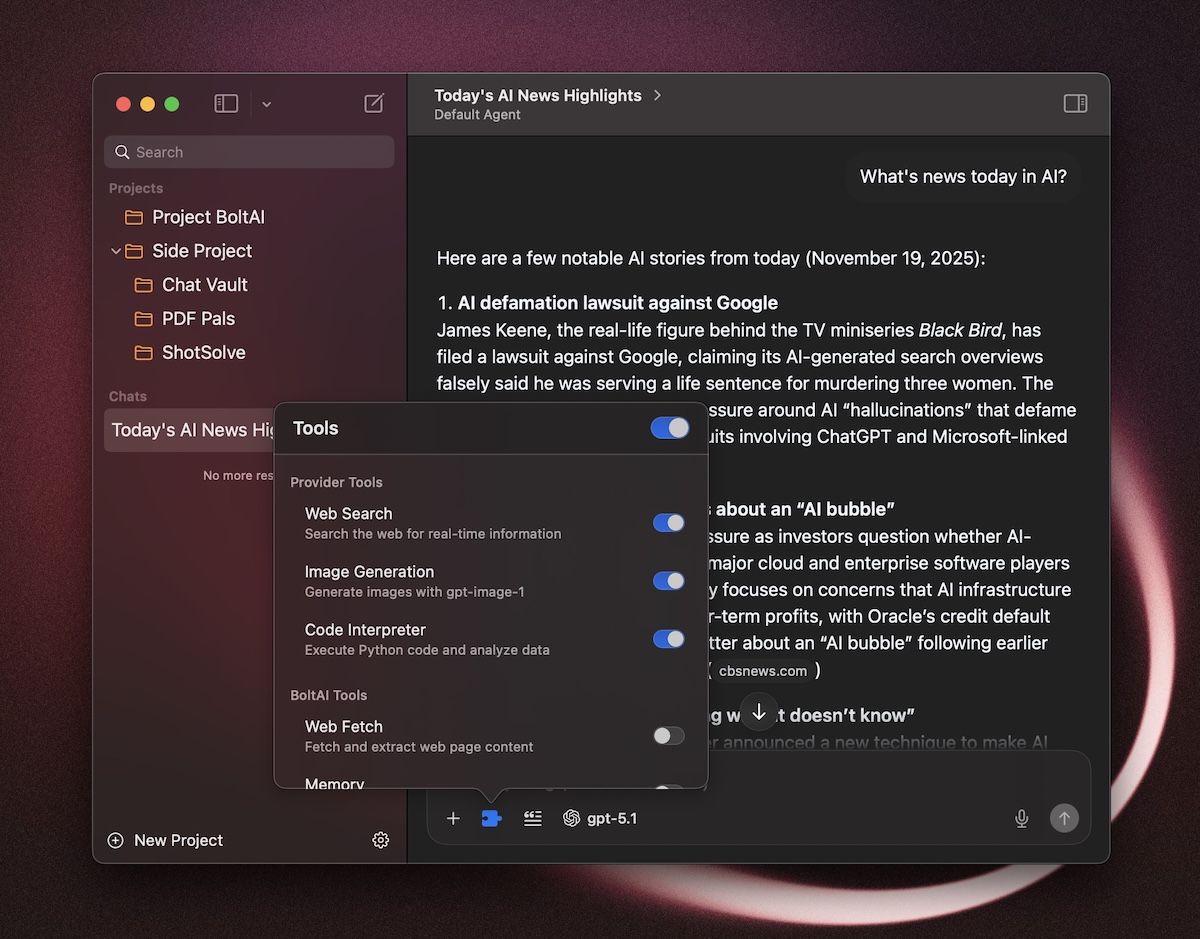
Instant Chat
Instantly ask a question with a keyboard shortcut.
Inline Workflow
Workflow.Completely reworked AI Commands with much more control: customize the Template, Agent, Post-process Template and Preview Layout to build powerful, repeatable workflows that run right inside your existing apps.
Instant Dictation
Fast AI-powered dictation for your Mac. Works on any text field. Supports cloud and local models.
Trigger a keyboard shortcut and speak
Instantly get your transcription back
Screenshot to Answers (ShotSolve)
Quickly take a screenshot (default ⌘+shift+1) and ask AI about it.
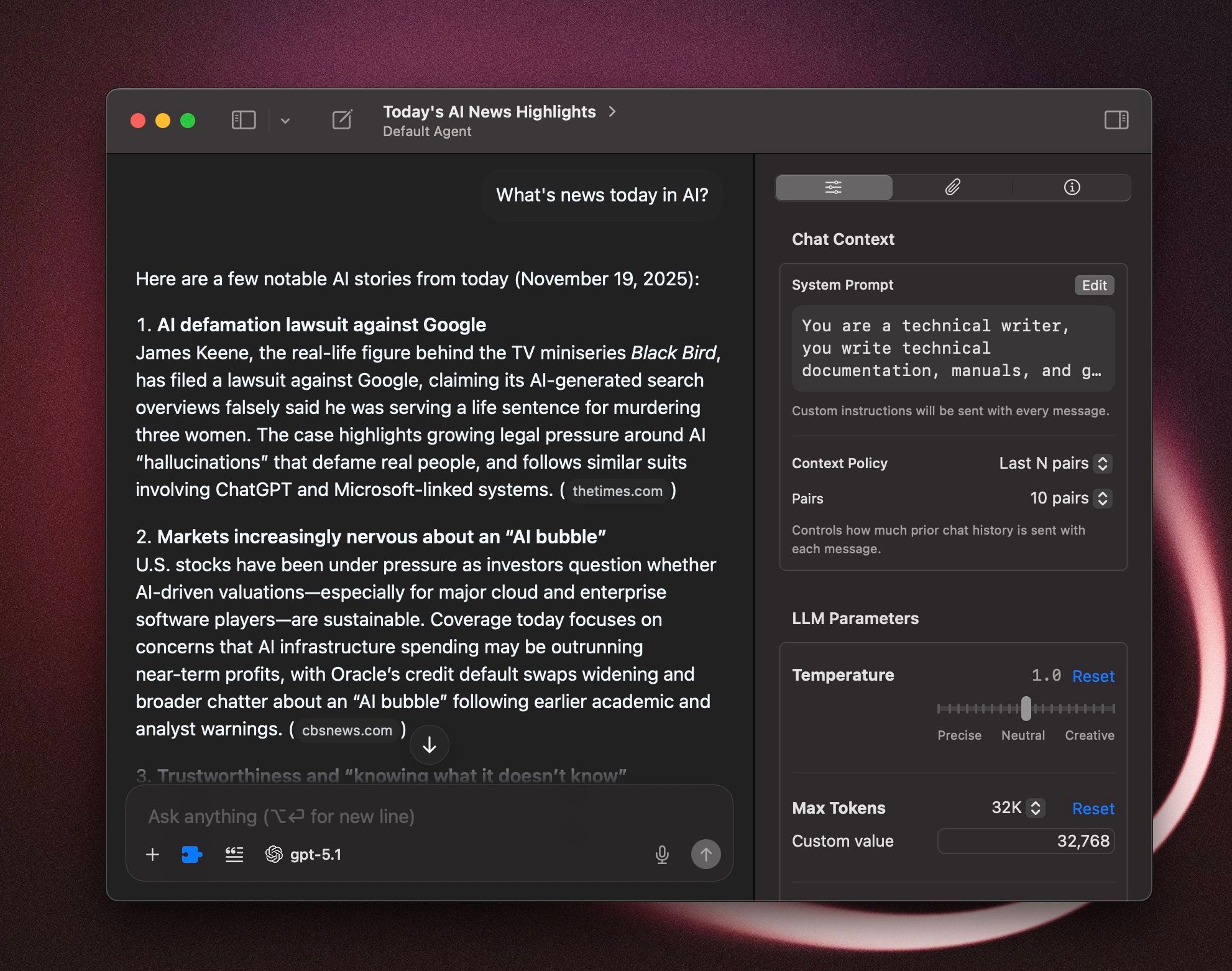
Advanced LLM parameters and Context Settings
Fine-tune your AI chat with advanced LLM parameters and Context Limit settings.
Tweak LLM params such as Temperature, Max Output Tokens, Reasoning Effort, Top P, Top K, Frequency Penalty, Presence Penalty.
Customize the System Prompt, advanced context limit and build your own AI Agents.
Multi-model Chat
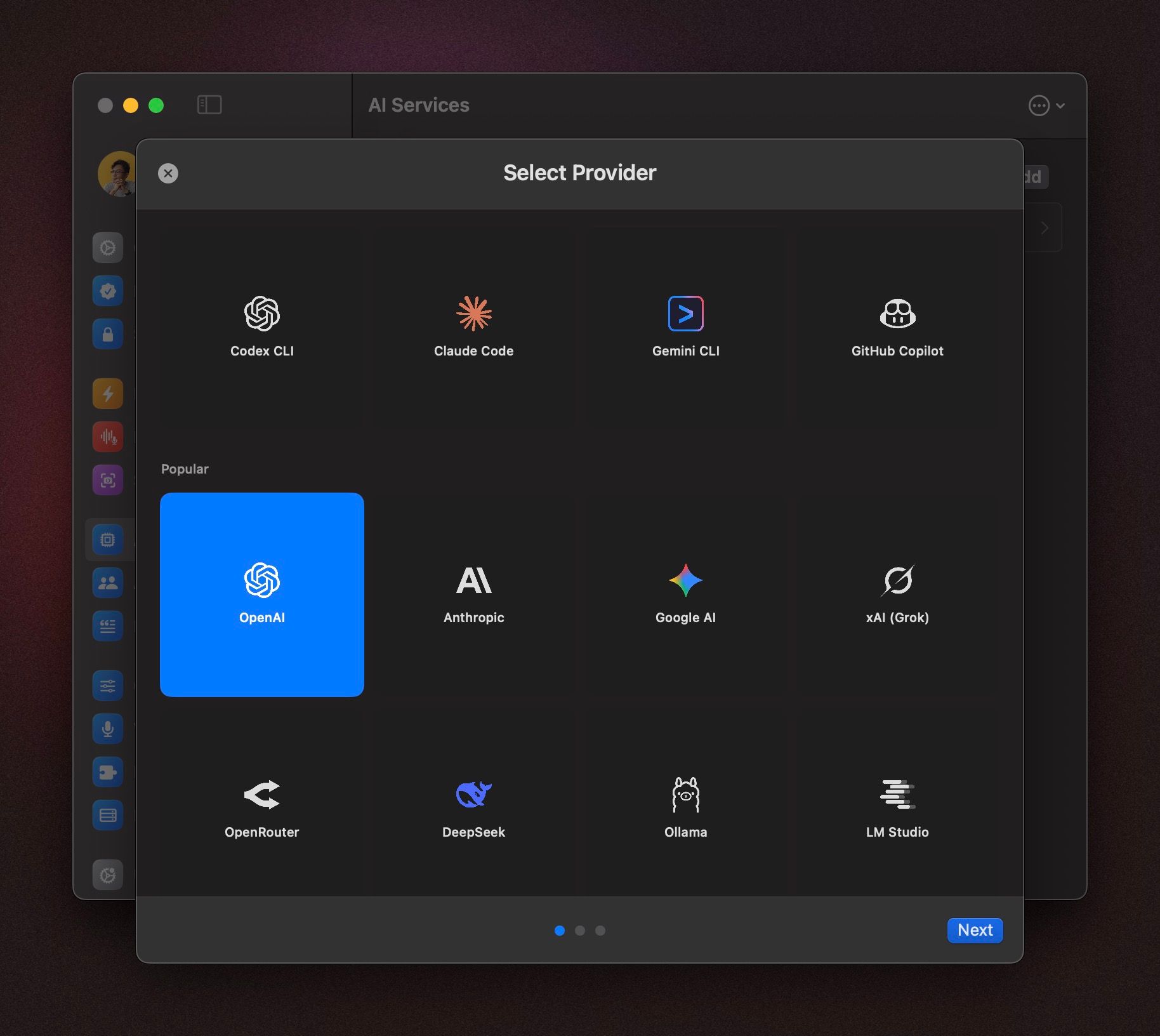
Instantly switch between 300+ AI models from popular AI providers: OpenAI, Anthropic, Google AI, DeepSeek, Mistral, Azure OpenAI, Amazon Bedrock and more…
You can use your own subscription with CLI integrations: Codex CLI, Claude Code, Gemini CLI and Github Copilot.
Prefer local AI models? BoltAI offers first-class support for Ollama & LM Studio. Local in-app inference coming soon.
Multi-agent Chat
Configure your AI agents, start multiple chats at once and compare results.
Native MCP Support
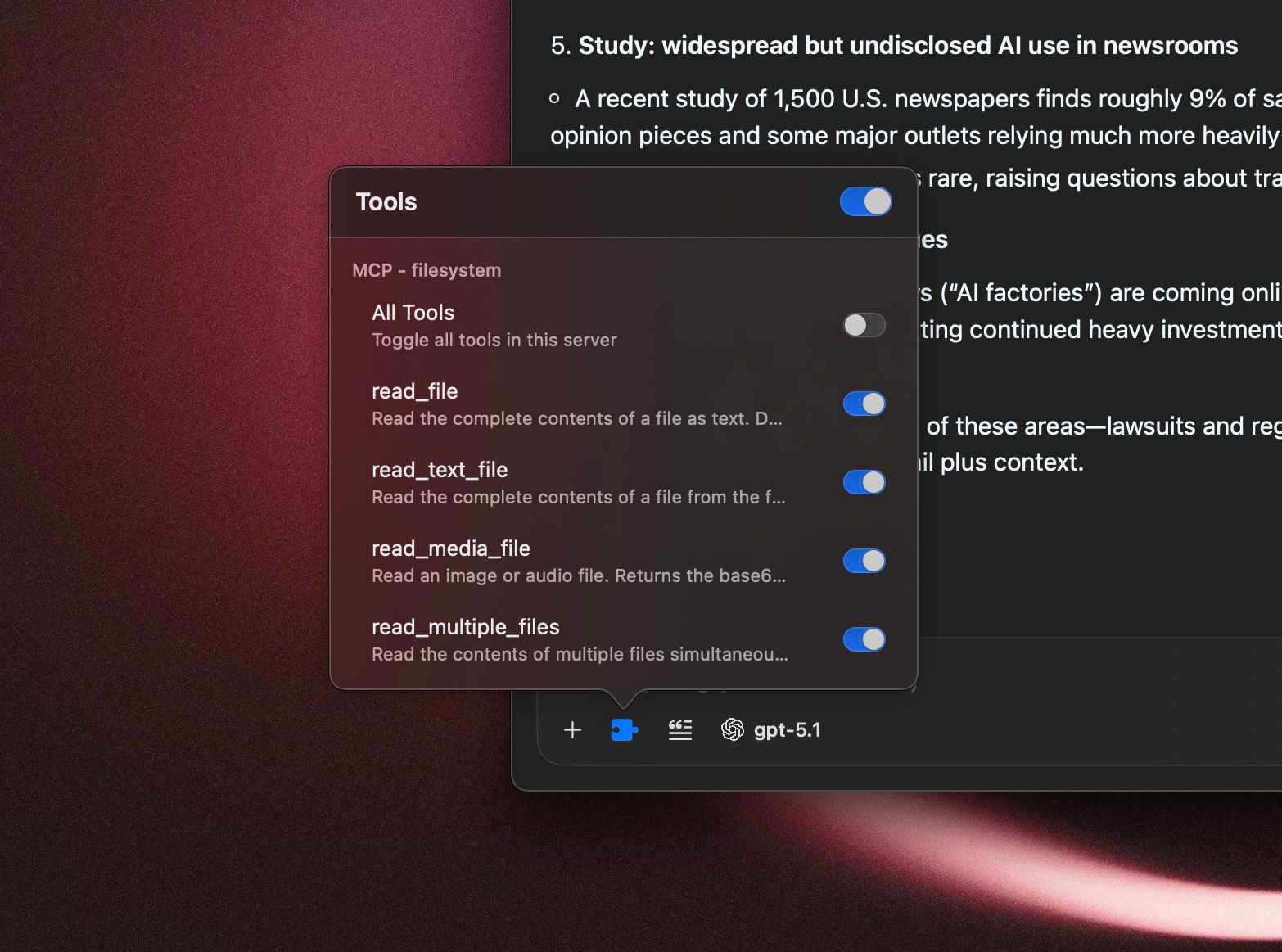
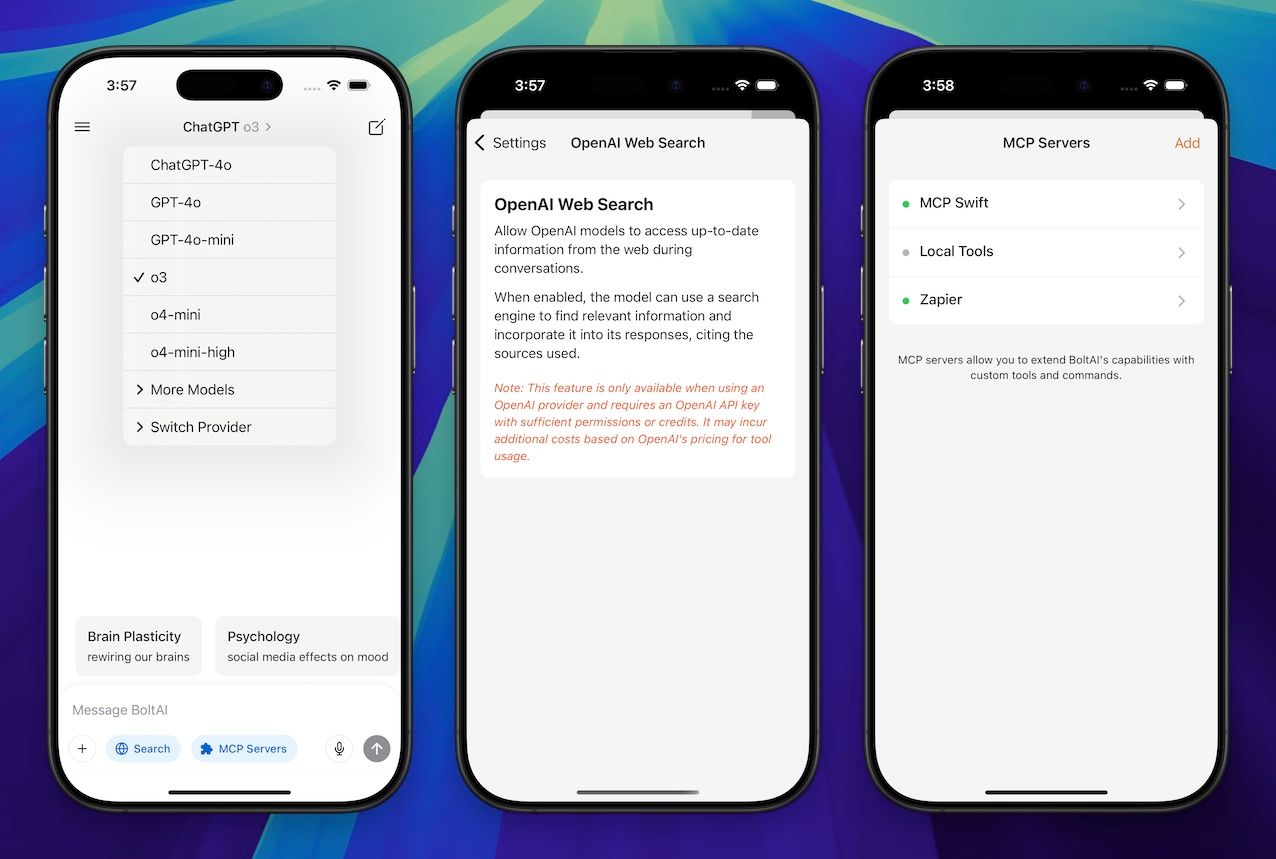
BoltAI has first-class support for MCP servers, both local and remote servers. In BoltAI v2, you can enable individual tools within an MCP server and configure custom runtime ENV.
And a mobile app
Have AI chat wherever you go. Currently in beta.
To join the iOS app: https://app.youform.com/forms/wt5b6ise
To join the Android app: https://app.youform.com/forms/0mqszvpy
Multimodal & Power Tools
Vision (Image Analysis)
Attach images, photos, screenshots and quickly analyze it using a vision-capable AI model.
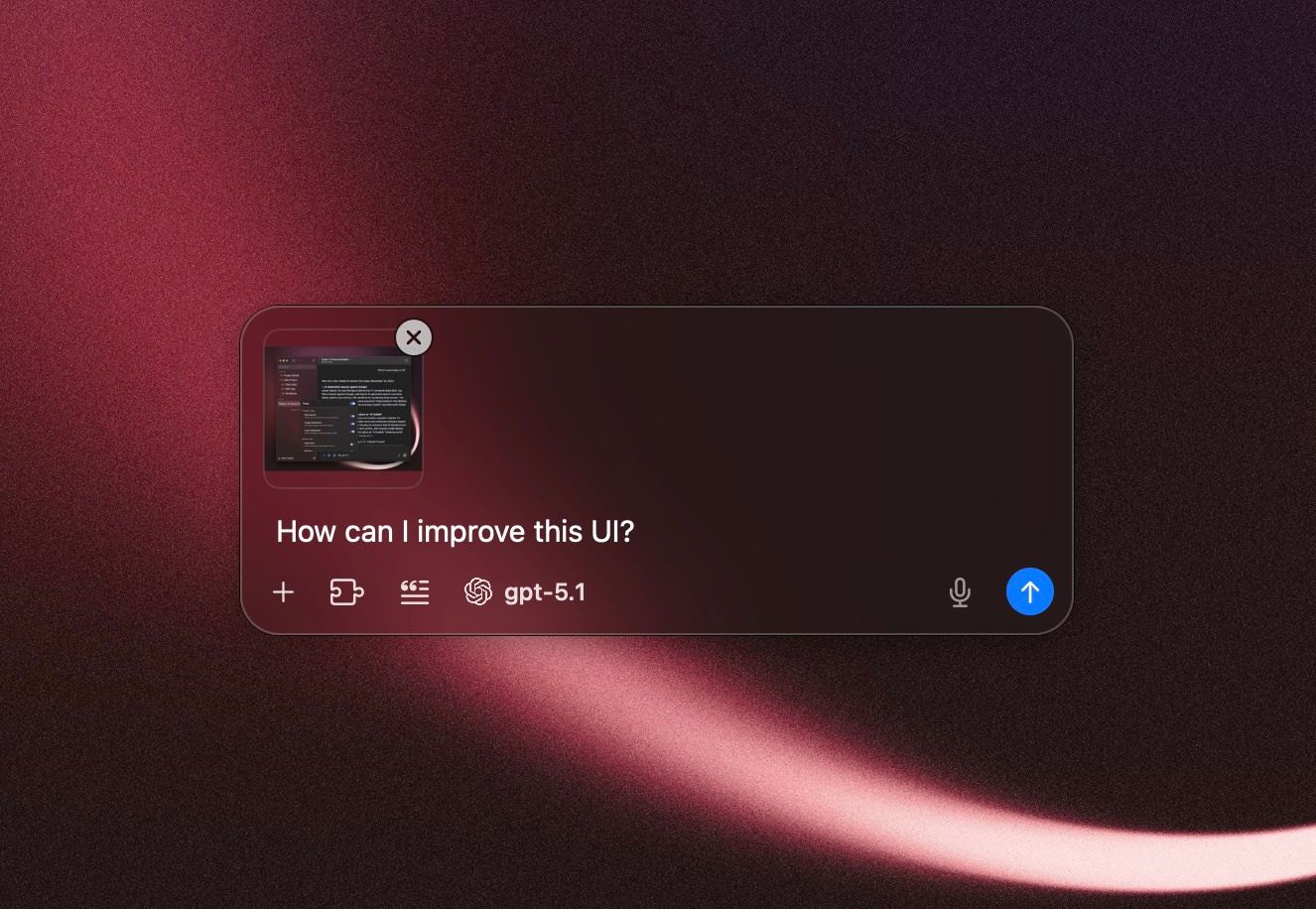
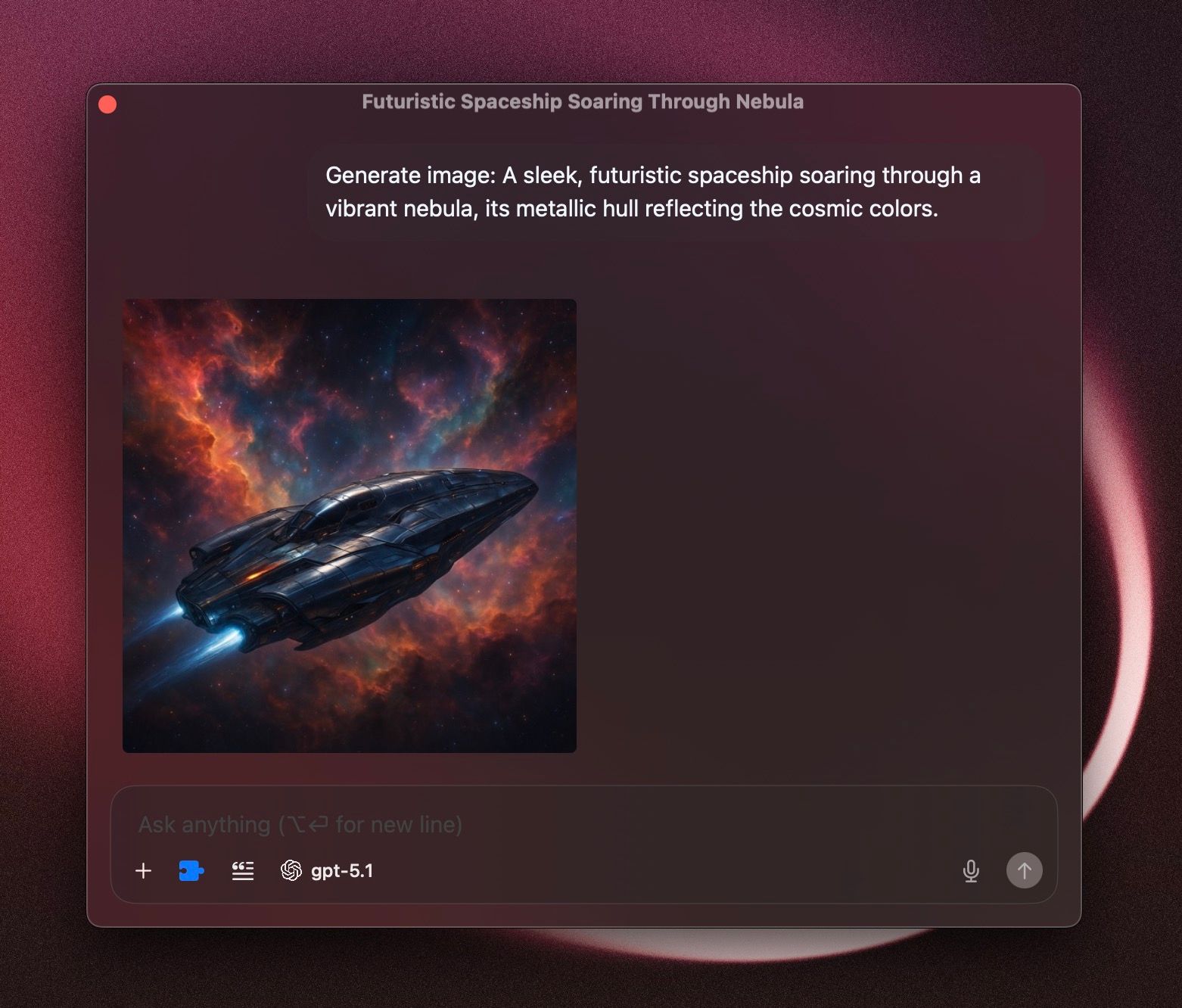
Image Generation
Generate AI images with OpenAI’s gpt-image-1 or Google’s Gemini 2.5 Flash Image (Nano Banana). BoltAI also supports Quicklook natively.
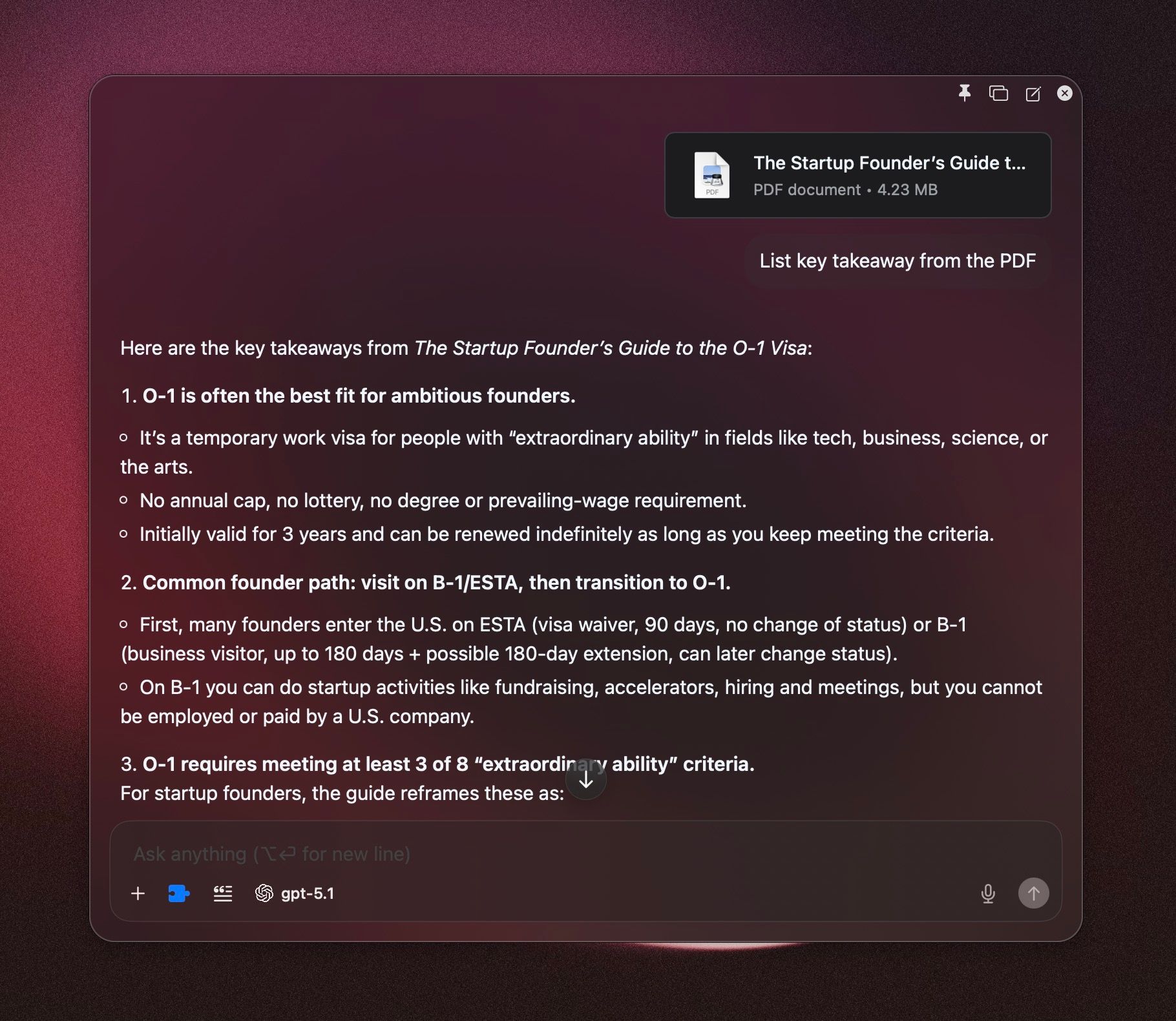
Document Q&A
Quickly get structured answers from your documents.
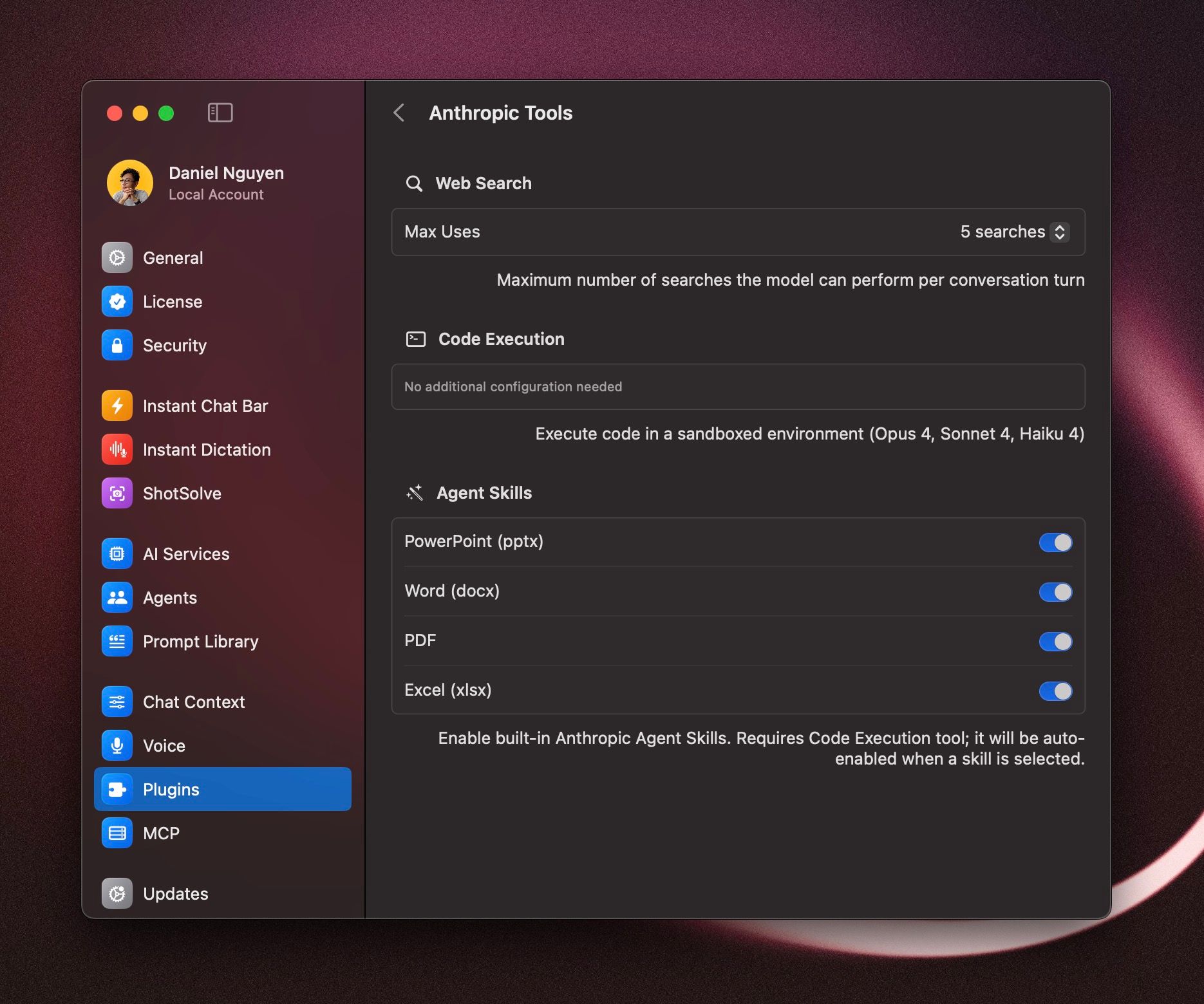
Code Execution & Agent Skills
Leverage Claude’s code execution and the new Agent Skills to analyze and generate documents.
Advanced Context Engineering
BoltAI helps you manage your chat context better with AI Agent, built-in Prompt Library, Dynamic Variable (coming soon)…
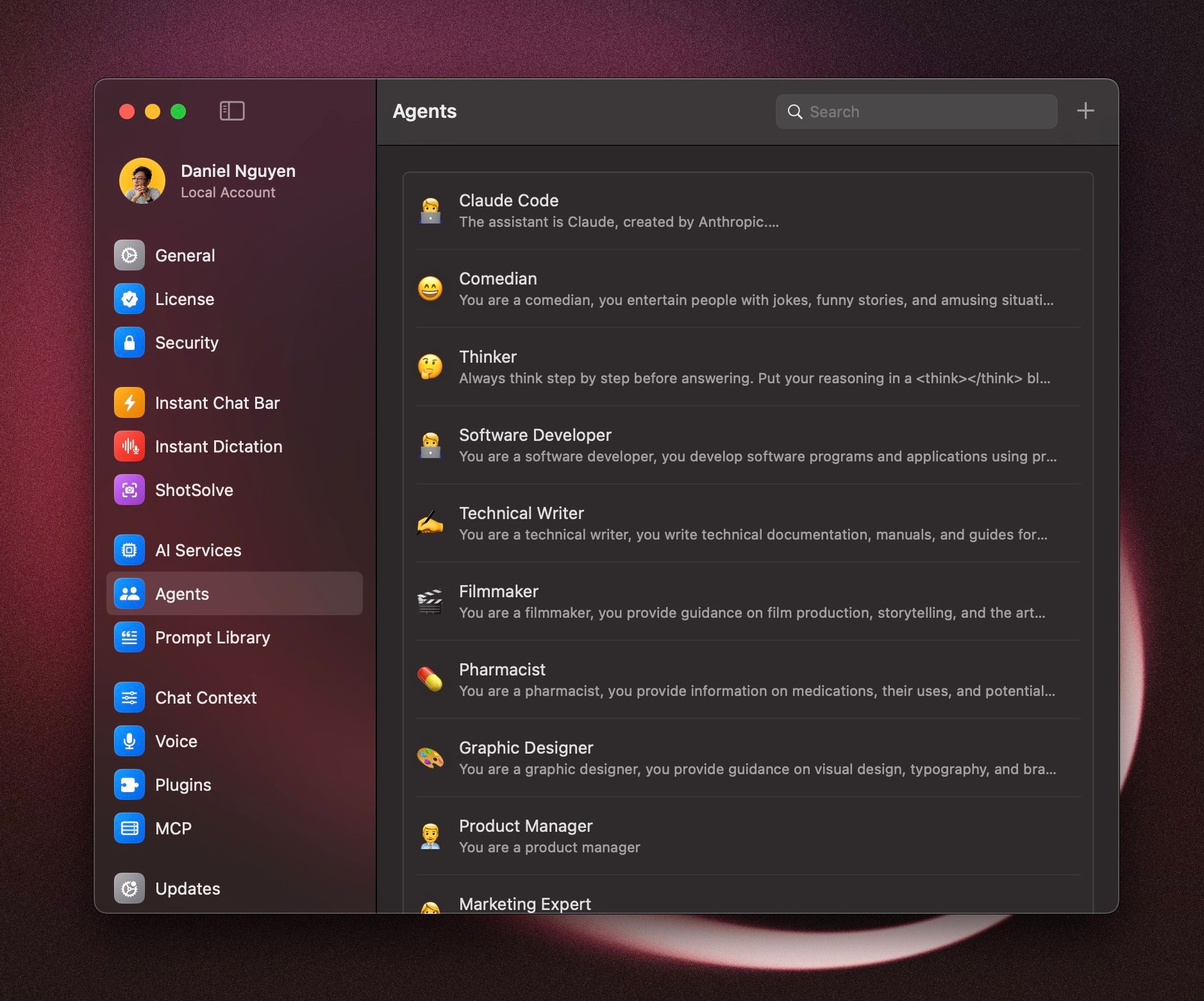
AI Agent
Build your own specialized AI Agent for better results. You can configure an AI Agent to have custom knowledge, use specific tools, specialized system instruction…
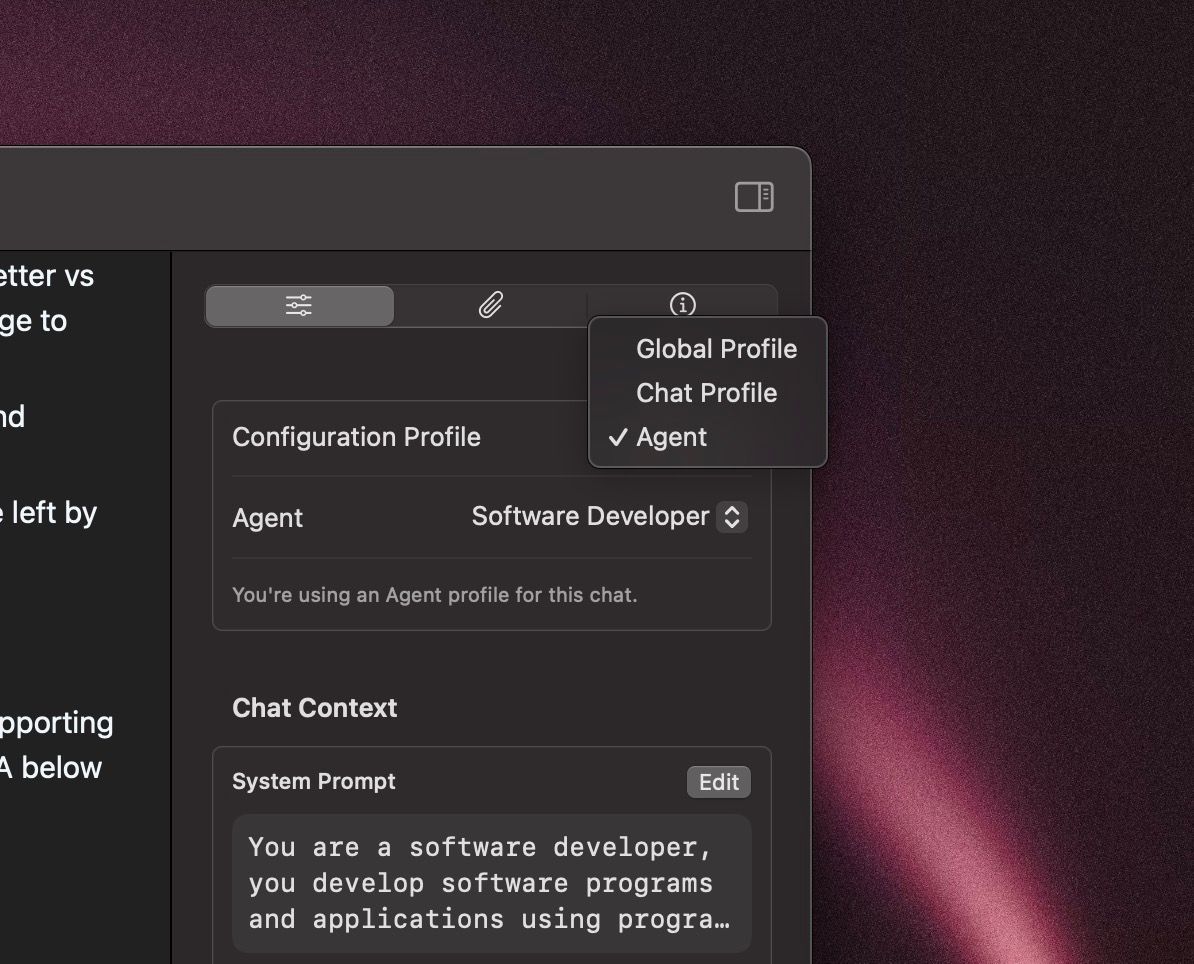
Multiple Configuration Profiles
Quickly switch between different configuration profiles: global, agent or a custom config for a chat.
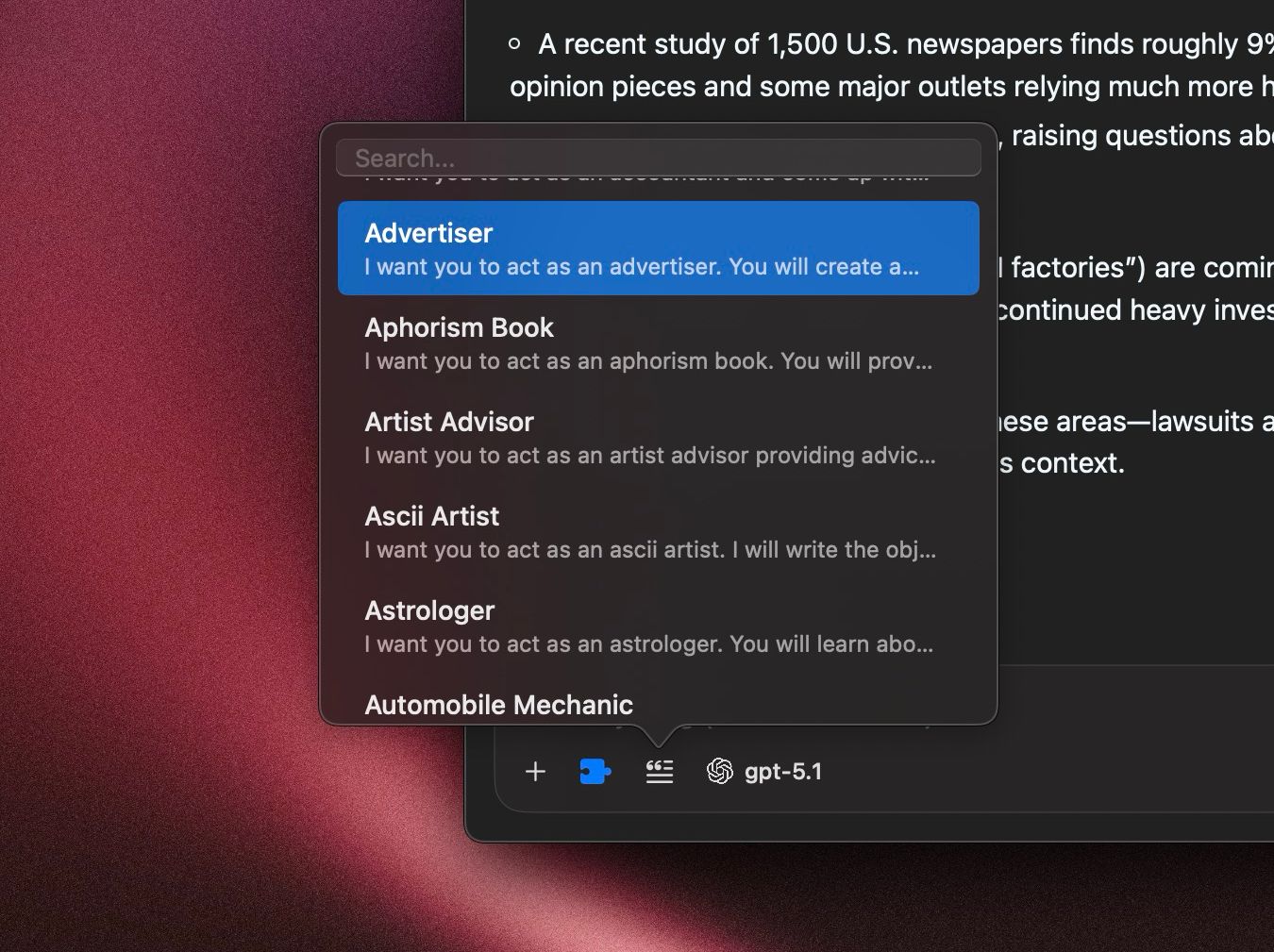
Built-in Prompt Library
Quickly insert your prompt using a keyboard shortcut ⌘+shift+P.
Built-in Attachment Management
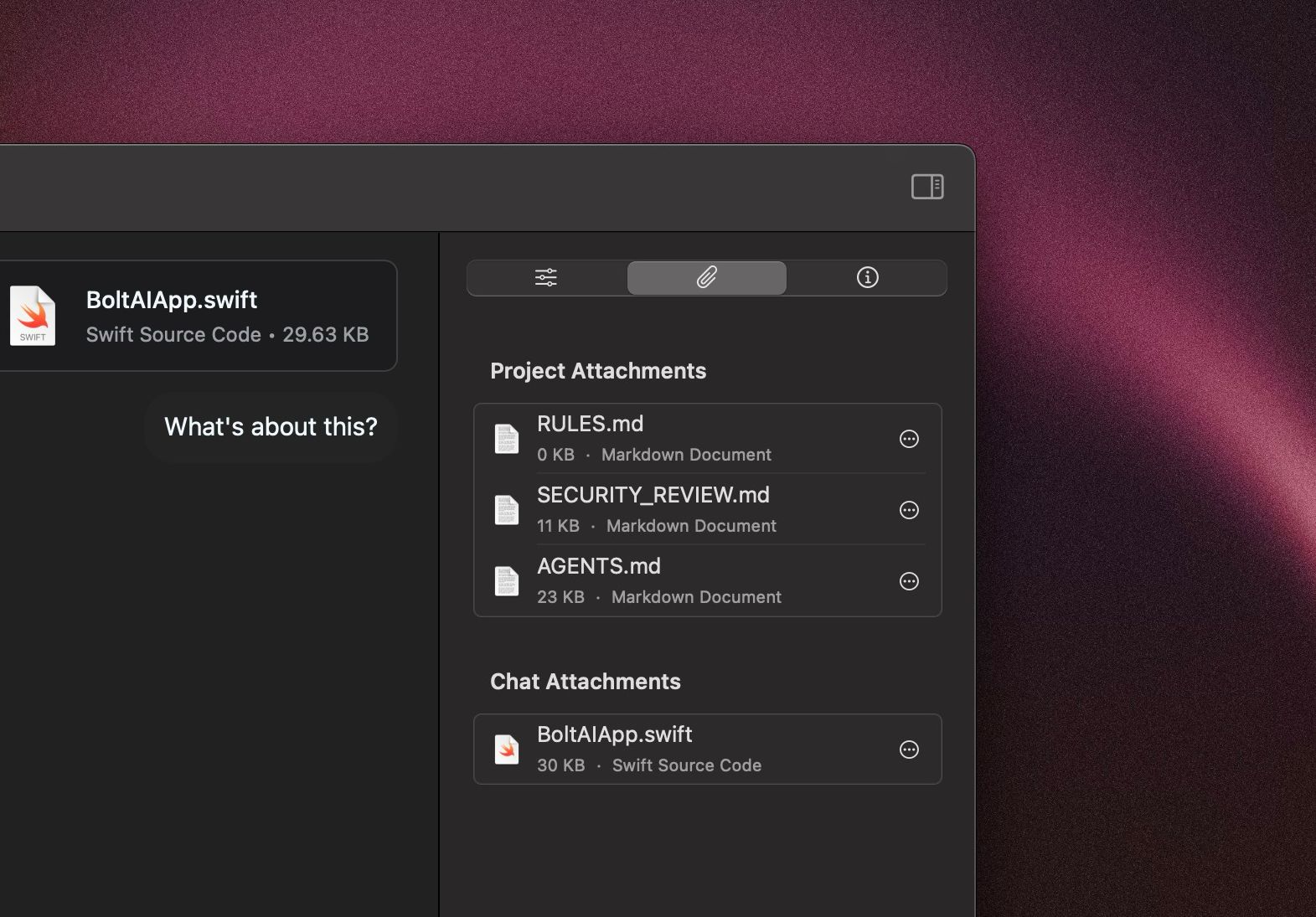
Manage the chat attachments using the Inspector Pane. You can quickly see what documents are included in the chat context.
Chat Experience
Project Folder
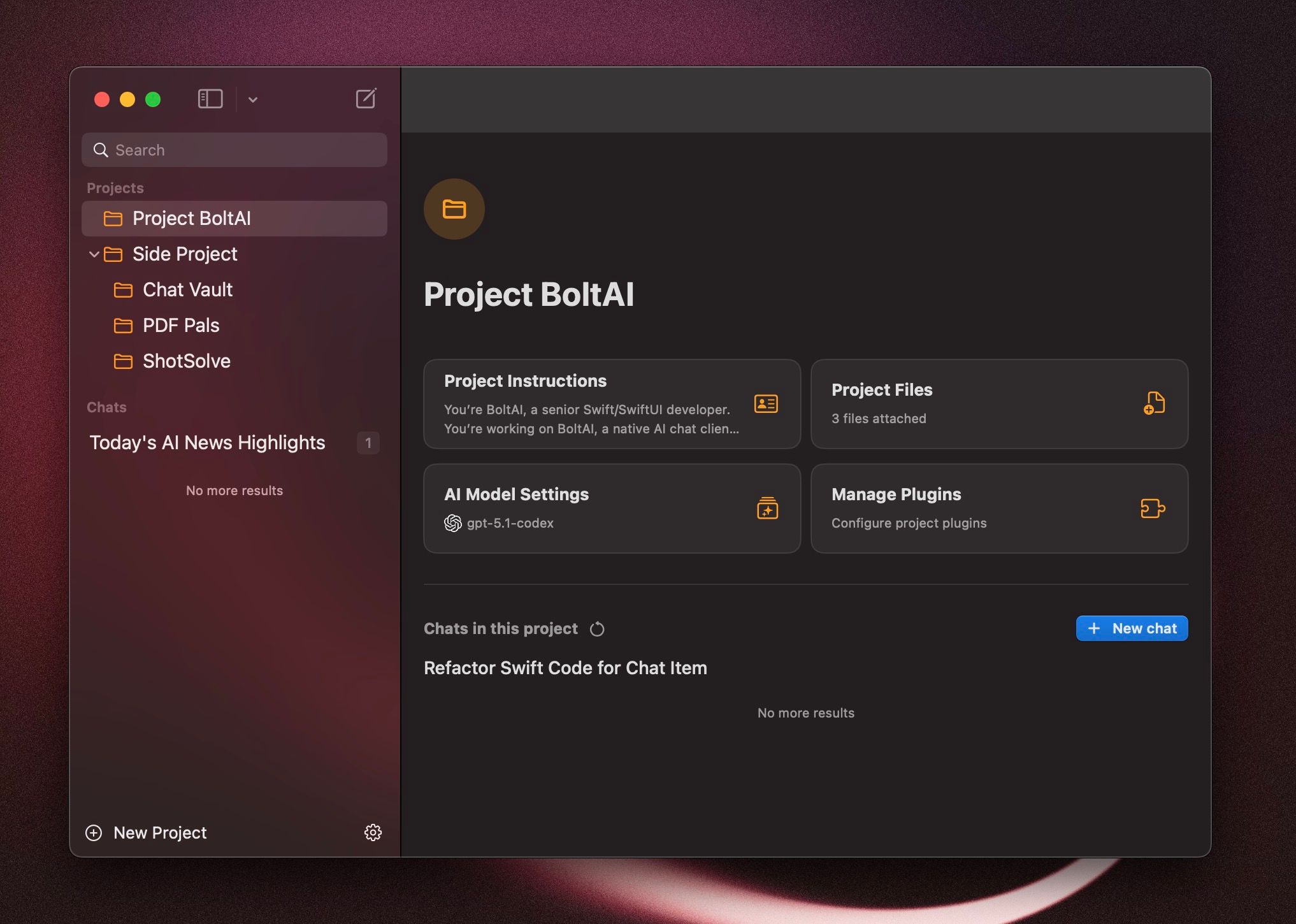
Manage your chats better with Project Folders. BoltAI allow you to customize the Project Context: System Prompt, Project Knowledge (documents), Plugins & Tools, and advanced LLM parameters.
New chats within the project would automatically inherit the project’s context settings, saving your time.
Fork Chats
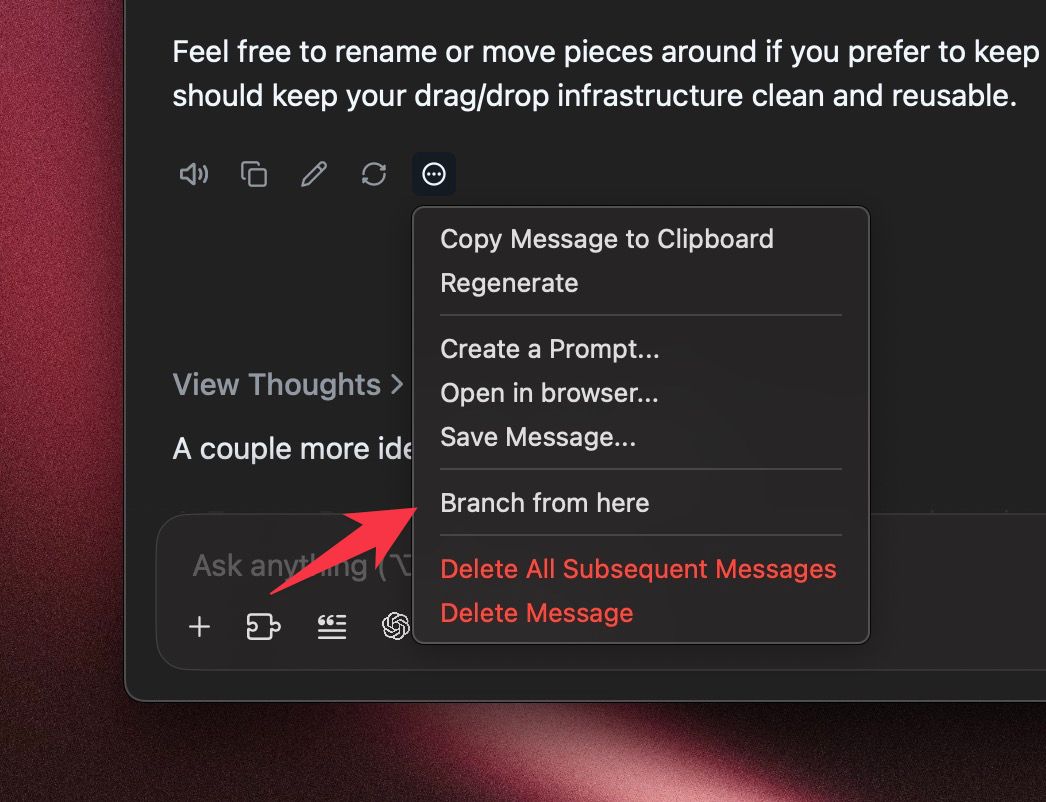
Branch a conversation to explore alternative directions.
Voice Input
Tired of typing, use voice-to-text for a hand-free experience.
Read Aloud
Enjoy a hand-free, conversational AI experience. [Demo: Turn sound on 🔉]
Full-text Search
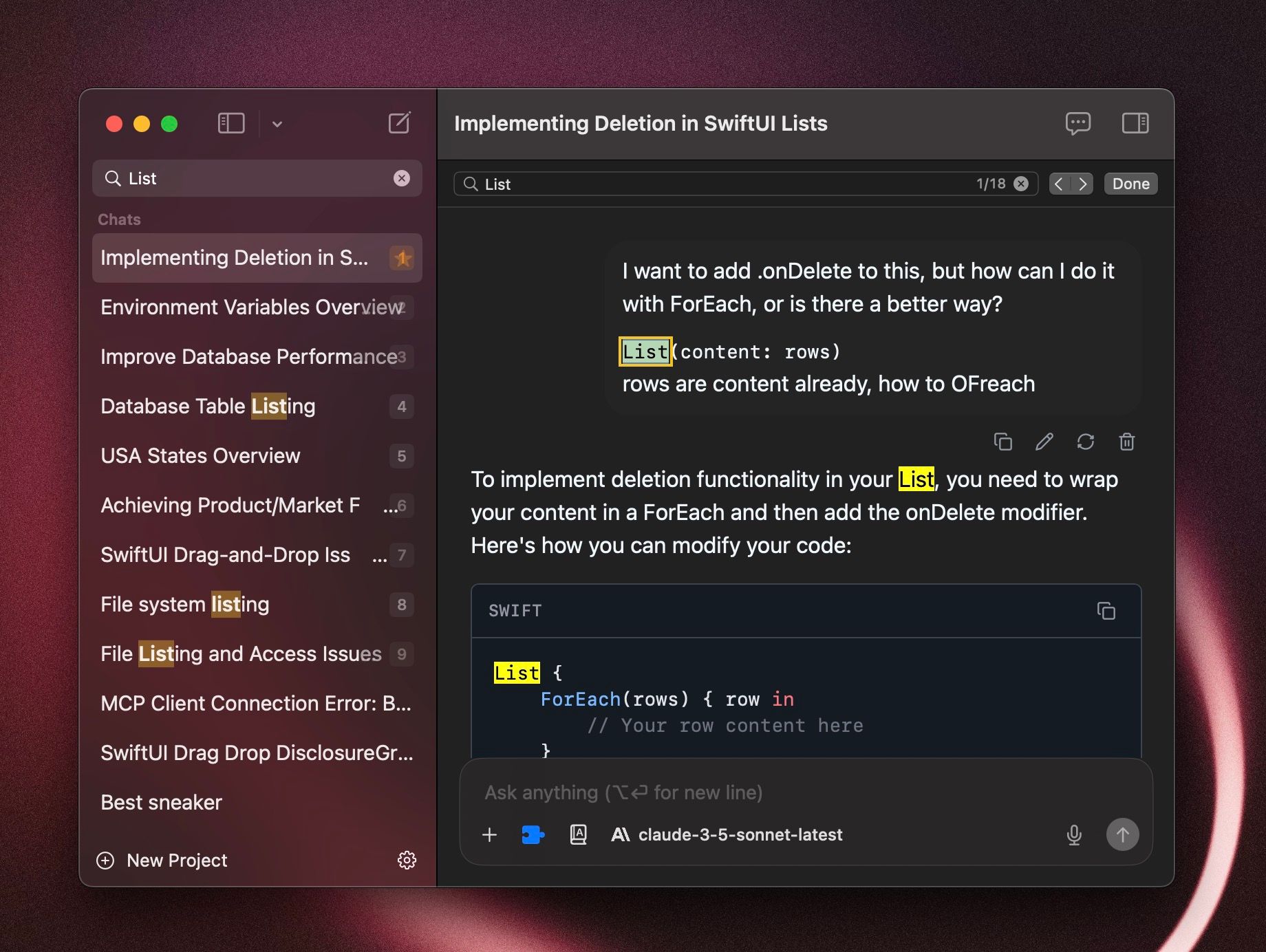
Enjoy a super fast local search experience.
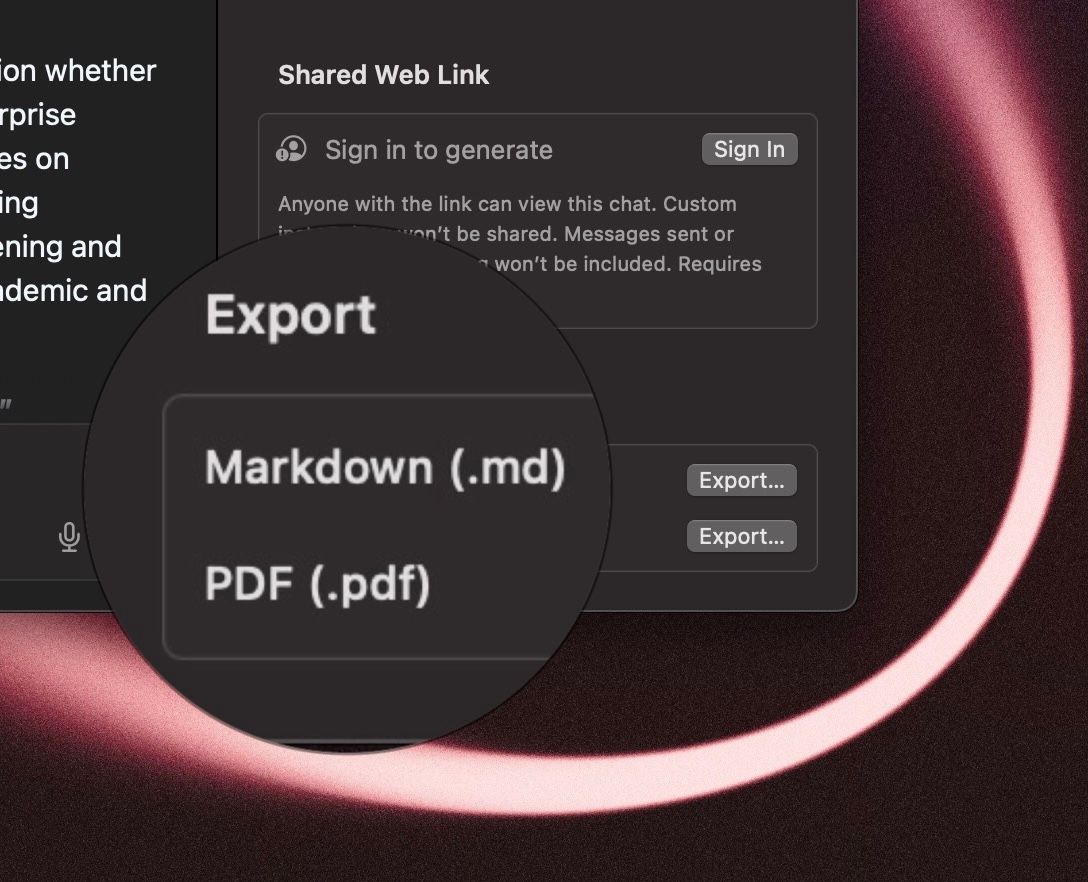
Export to markdown and PDF
Quickly export your chat to markdown or PDF. You can print the chat too!
Privacy & Security
Secure & private by default
Your chats are stored locally in a SQLite database.
Your prompts are sent directly to OpenAI or your AI Service Provider.
Unlike ChatGPT, your chats are not used for training.
Cloud Sync is 100% optional.
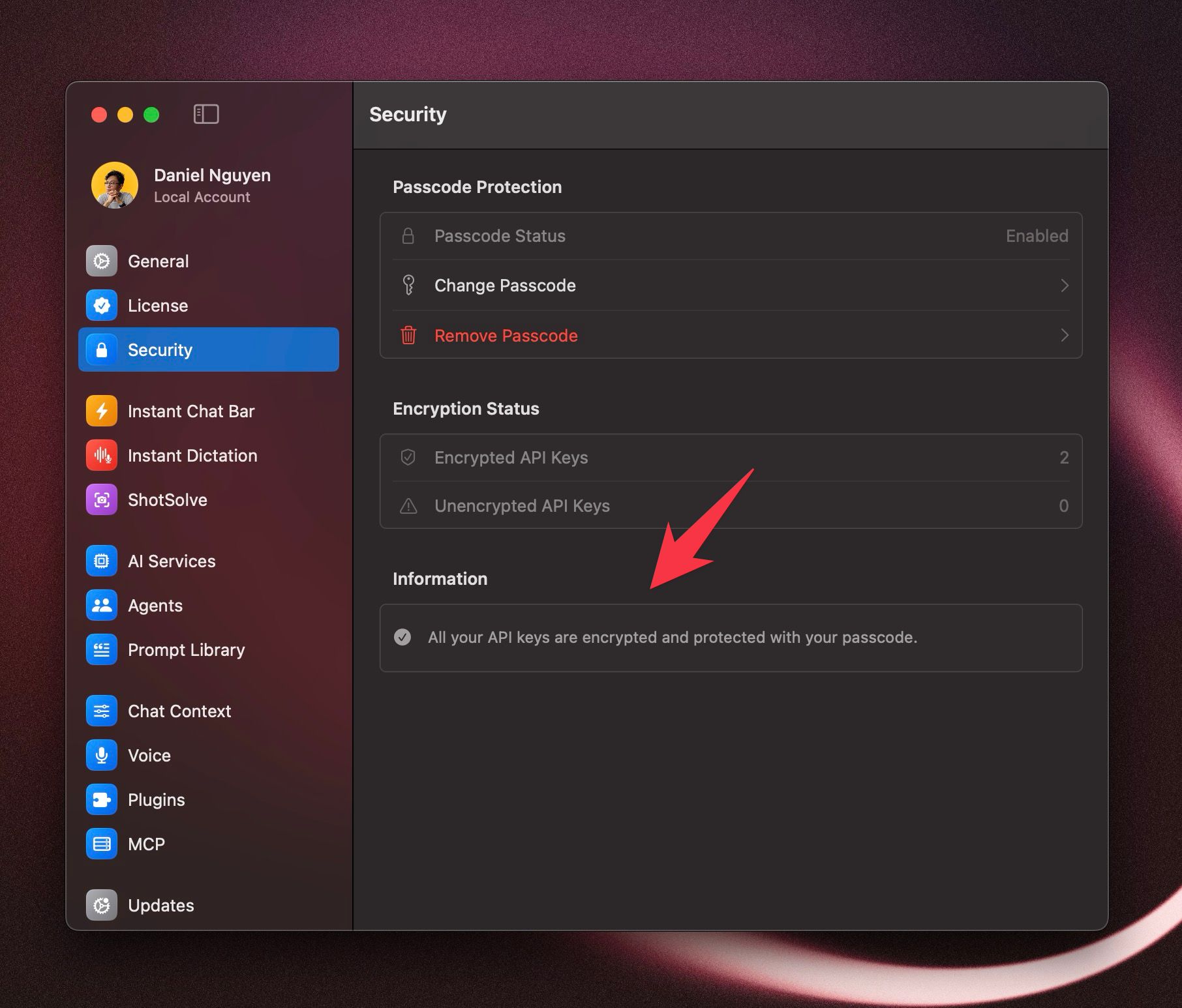
API Keys end-to-end-encryption. You can set a custom passphrase to encrypt your API keys. This way no body can see your keys, not even me as the app developer.
BoltAI app is sandboxed and notarized by Apple.
We. Don't. Track. You.
By default, we DO NOT store or analyze the content you type. We do not upload your documents. Your prompts are sent directly to OpenAI or your AI Service of choice.*
We use Sentry to help improve BoltAI’s stability and performance by sending the crash report if BoltAI is terminated unexpectedly.
Other diagnostics data is collected anonymously and kept in aggregate with ABSOLUTELY no personally-identifying information, not even device ID. It's 100% GDPR-compliance
You can disable the tracking during onboarding, or in Settings > Privacy.
* If you enable Cloud Sync, your data will be stored on our servers hosted on Supabase. Your data is encrypted at rest and in transit.
Please add the following hosts to your firewall:
updates.boltai.com: Static assets for software updates and download binaries.platform.boltai.com: Authentication, License Activation and optional cloud sync via BoltAI platform.
Your Privacy Promise
Your conversations are never read by humans.
Data is encrypted at rest and in transit.
You can delete your data anytime.
We never sell your information.
Was this helpful?
Still need help? Ask the team