How to use OpenClaw in BoltAI
Written By Daniel Nguyen
OpenClaw is a personal AI assistant you run on your own machine. It includes a Gateway that can expose an OpenAI-compatible API, so BoltAI can connect to it like any other provider.
Follow these quick steps to use OpenClaw inside BoltAI.
Install & run the OpenClaw Gateway
Install OpenClaw and complete onboarding.
openclaw onboard --install-daemonIf you already have OpenClaw installed, make sure the Gateway is running.
openclaw gateway statusIf needed, restart it:
openclaw gateway restartEnable the OpenAI-compatible API
By default, OpenClaw’s OpenAI-compatible HTTP endpoint is disabled. Open your OpenClaw config (in ~/.openclaw/openclaw.json) and enable:
{
  "gateway": {
    "http": {
      "endpoints": {
        "chatCompletions": { "enabled": true }
      }
    }
  }
}
After saving the config, restart the Gateway:
openclaw gateway restartFind your Gateway auth token
BoltAI needs the same bearer secret your OpenClaw Gateway uses. Look for one of these in your OpenClaw setup:
gateway.auth.tokenOPENCLAW_GATEWAY_TOKEN
If your Gateway uses password mode instead, use that shared secret instead.
Configure your default model in OpenClaw
BoltAI uses OpenClaw through its OpenAI-compatible Gateway API. The model BoltAI should use is openclaw/default.
openclaw/default is not a raw provider model like openai/gpt-5.4. It points to your configured default agent/model inside OpenClaw.
Before adding OpenClaw to BoltAI, make sure:
your default model is configured in OpenClaw
the provider behind that model has valid auth
OpenClaw can successfully run that default model on its own
Because OpenClaw supports many providers and auth modes, follow the official OpenClaw docs for this step:
Add OpenClaw in BoltAI
OpenClaw Gateway is now ready. Let’s configure it in BoltAI.
Open BoltAI → Settings → AI Services.
Click Add → choose OpenClaw → Next.
Use your Gateway bearer token as the API key.
Then click Add Service.
Start a new chat with OpenClaw
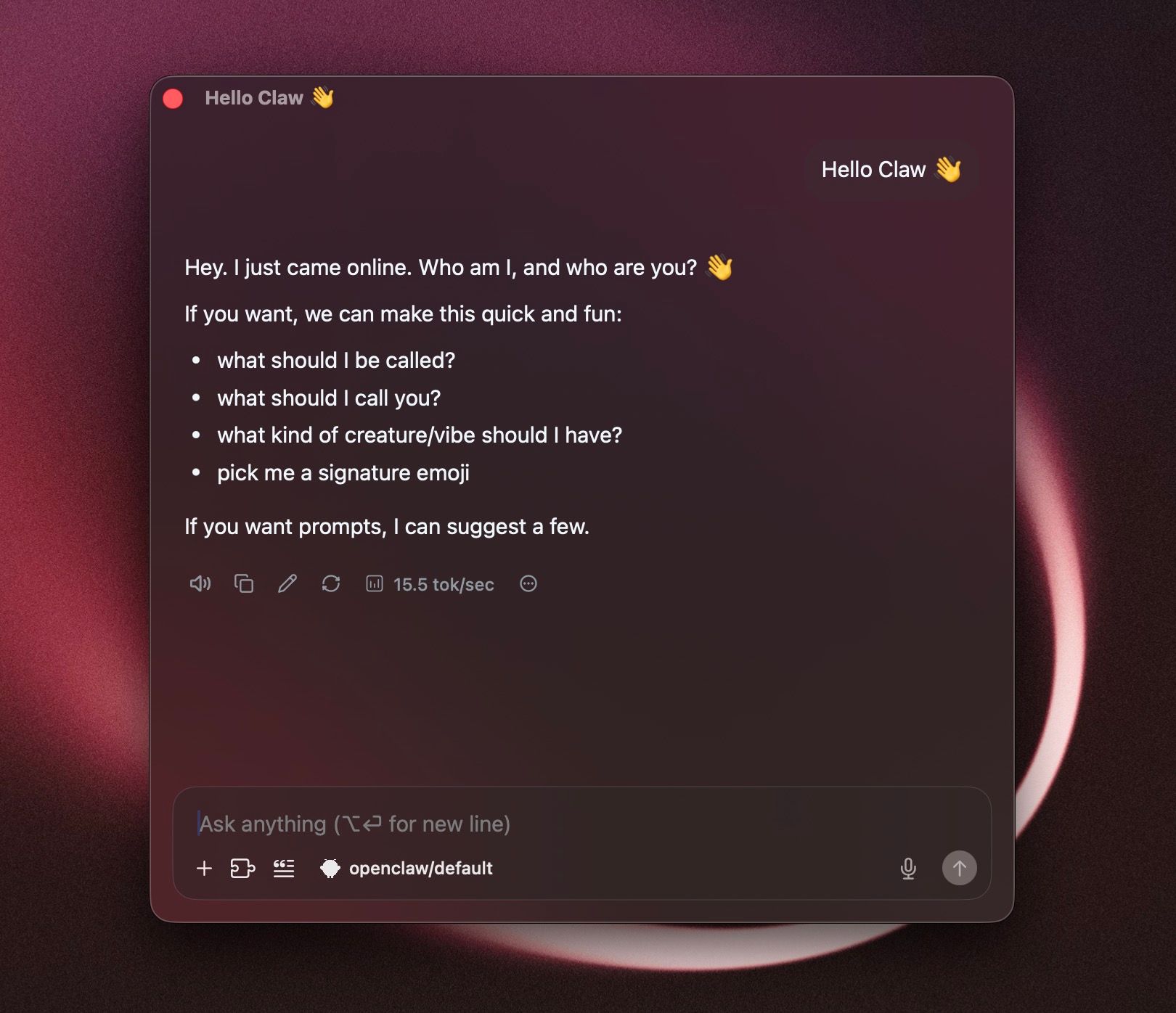
Click New Chat.
Choose the OpenClaw service/model in the model switcher.
Start chatting.
Notes
openclaw/defaultis the safest default model to use in BoltAI. If no default model is configured in OpenClaw yet, BoltAI requests will fail withinternal error.OpenClaw treats the OpenAI
modelfield as an agent target, not a raw provider model name.If you change your OpenClaw Gateway config, restart the Gateway before retrying in BoltAI.