The bolt command-line tool
Run AI Workflows, ask questions and start chats from Terminal and your own scripts.
Written By Daniel Nguyen
bolt lets you use BoltAI from Terminal and your own scripts: run an AI Workflow on a file, ask a quick question, start a chat, or back up your data. It uses your own providers, models, agents and workflows.
Install it
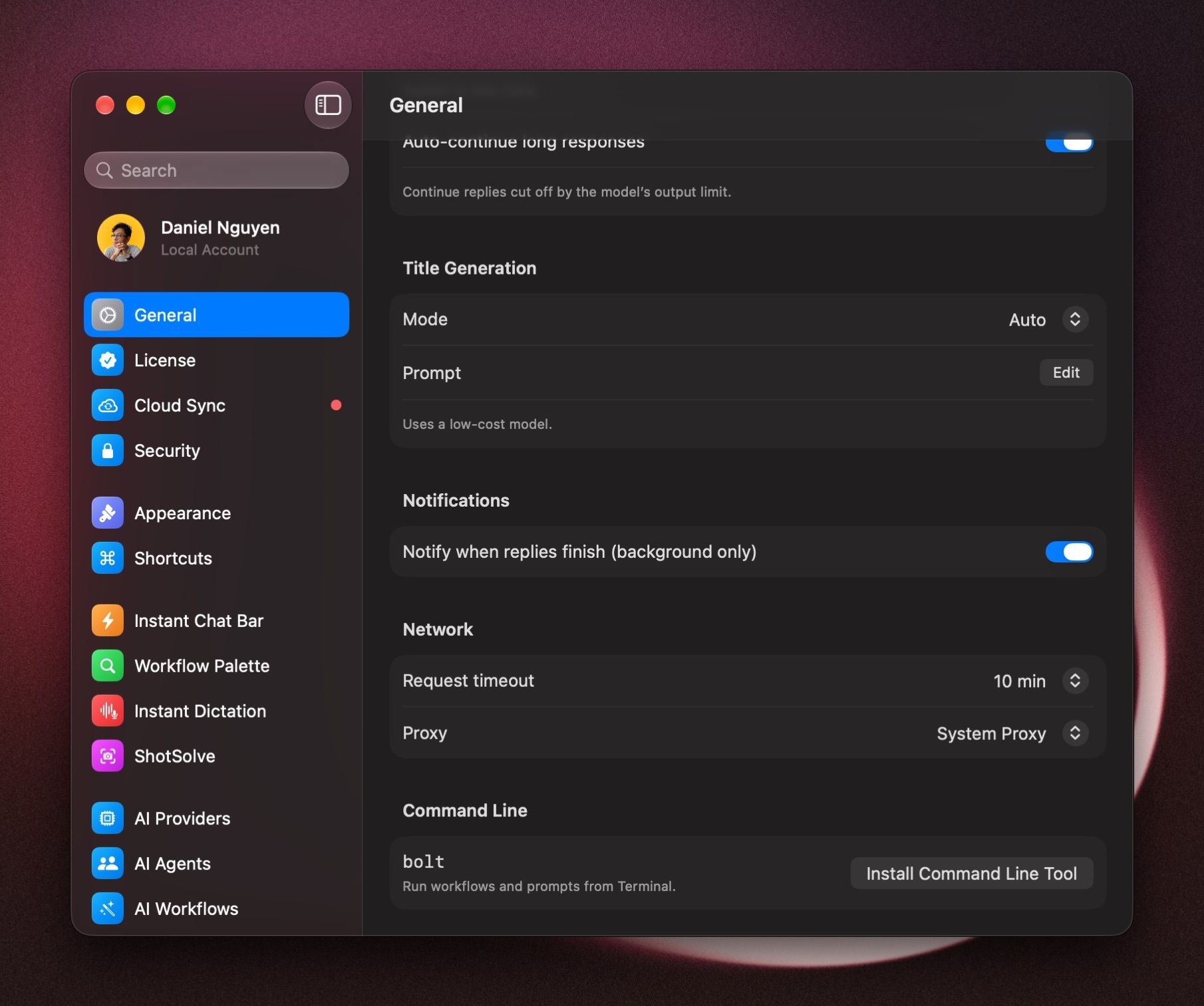
Open Settings › General. Under Command Line, click Install Command Line Tool.
If Terminal says it can't find bolt, BoltAI shows a line to add to your shell profile, such as ~/.zshrc. Add it and open a new Terminal window.
Run a workflow
Every AI Workflow has its own command. In Settings › AI Workflows, open the workflow and click Copy next to Command Line. You get something like bolt run fa935c49. Add the text to work on after it:
bolt run fa935c49 "Text to work on"The result is printed, so you can pipe it into a file or another command. This works for Multi-step Workflows too.
Ask a quick question
bolt ask "What's the capital of Portugal?"Add --model and a model ID to use another model. Run bolt models to see the IDs.
Start a chat in BoltAI
bolt chat new "Help me plan a trip to Lisbon"Add --agent to start it with an agent.
All commands
Run bolt help <command> for the details of any command. Add --json to get results your scripts can read.
Was this helpful?
Still need help? Ask the team