MCP servers and connectors
Add tools from other apps and services: connectors on the internet, and MCP servers that run on your Mac.
Written By Daniel Nguyen
MCP servers give the AI tools for other apps and services: your notes, your tasks, your email, a code library's docs. There are two kinds:
- Connectors run on the internet. Add them in Settings › Connectors. They sync with Cloud Sync.
- Local MCP servers run on your Mac. Add them in Settings › MCP Servers. They stay on this Mac.
Once added, their tools are under MCP Servers in a chat's Tools menu. See Tools in a chat.
Add a connector
- Open Settings › Connectors.
- Under Browse connectors, click the one you want, for example Context7 MCP, DeepWiki MCP or Fastmail MCP.
- Click Connect. If it asks you to sign in, finish in your browser.
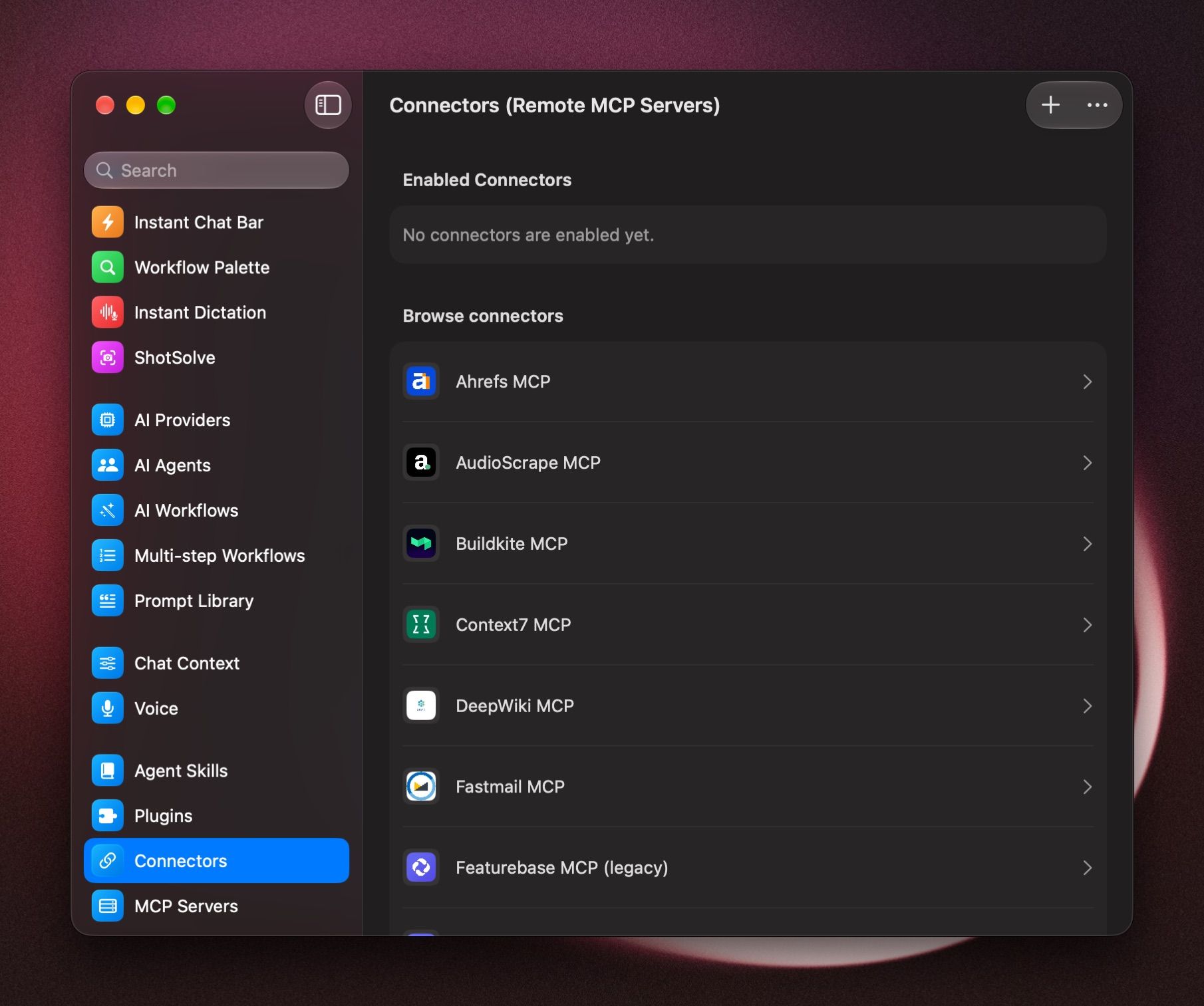
It moves to Enabled Connectors. Now turn it on in a chat's Tools menu and ask, for example What's due this week in my Linear?
Add a custom connector
You need the server's address (https://…) from the service.
- In Settings › Connectors, click +.
- Enter a Name and the Endpoint URL.
- Under Authentication, choose how it signs in:
- No authentication
- OAuth (browser): click Authenticate, then Start OAuth, and sign in in your browser.
- Custom headers: click Authenticate, then Add Header, and enter the header name and value the service gave you.
- Click Save & Connect.
Use a local MCP server
Local servers are listed in the file ~/.boltai/mcp.json.
- Open Settings › MCP Servers.
- Click Edit Configuration, add your servers, and click Save.
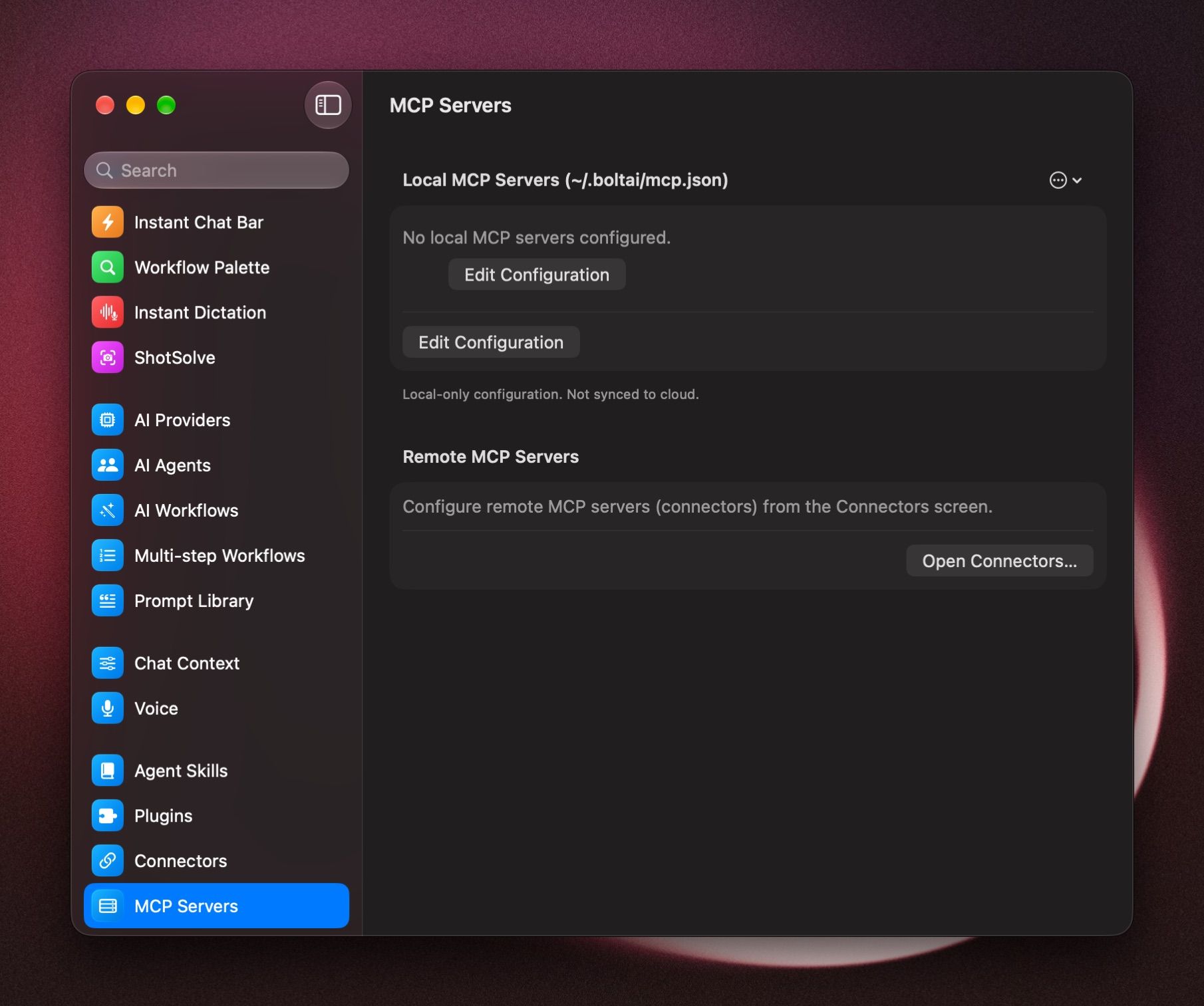
To bring in servers from Cursor or Claude Desktop, open the ⋯ menu next to Local MCP Servers and choose Import from Cursor or Import from Claude Desktop.
If you edit the file in another app, choose Reload Configuration from the same menu.
A local server can't find npx, uv or a key
Open the ⋯ menu and choose Configure Runtime ENV…:
- Add PATH Entries so BoltAI finds tools like npx or uv.
- Choose which environment variables reach your servers, with Whitelist and Blacklist.
A connector stopped working
Open the ⋯ menu in Settings › Connectors and choose Reconnect Enabled Connectors. If it still fails, click the connector, disconnect it, and connect again.
Guides
Was this helpful?
Still need help? Ask the team