What's new in BoltAI 3
Local AI models, agents in Chrome and your Mac apps, Agent Skills, Image Studio and more.
Written By Daniel Nguyen
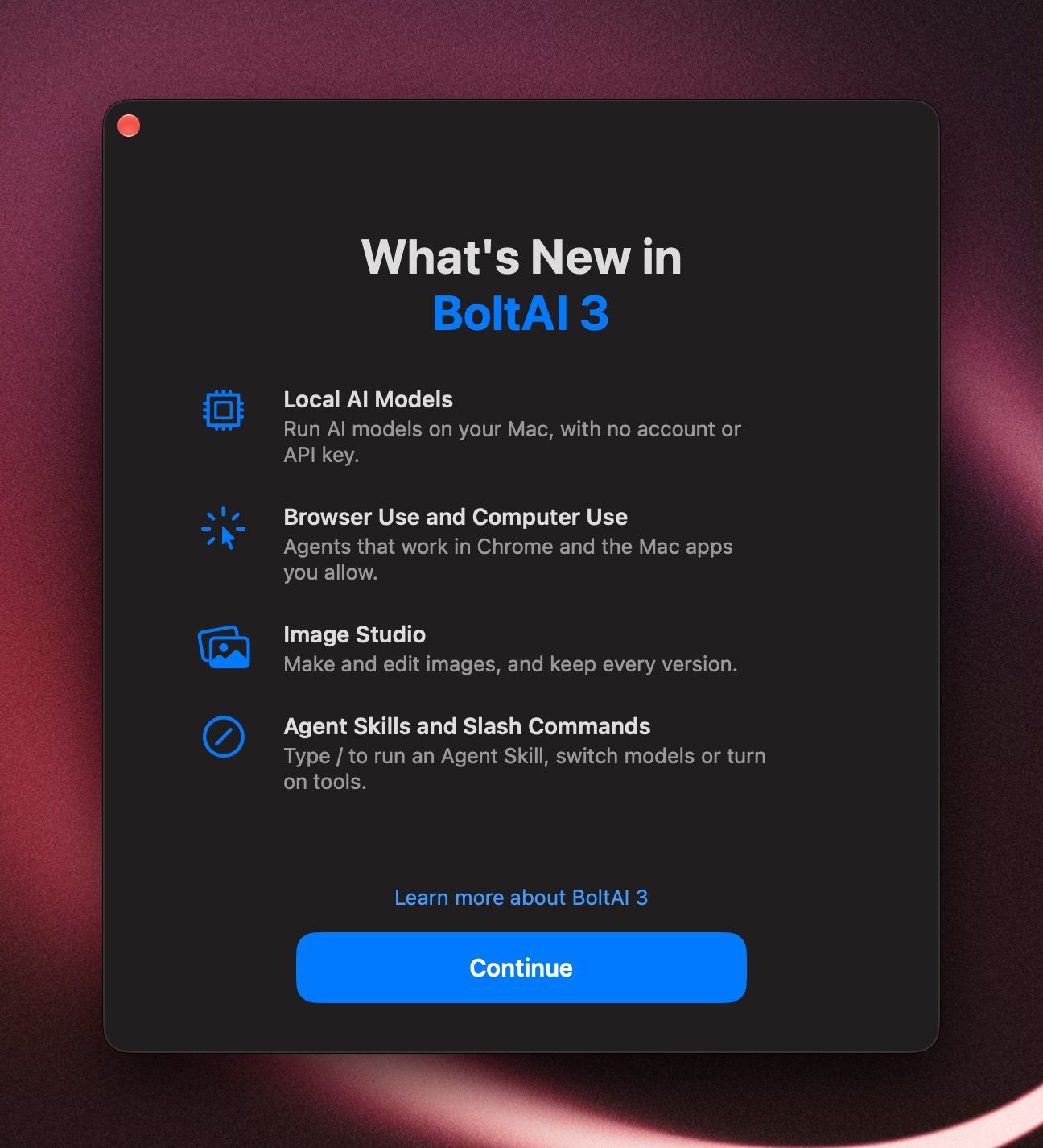
Local AI models
Run AI models on your Mac, with no account or API key. Local Models
Browser Use and Computer Use
Let BoltAI browse in Chrome and use the Mac apps you allow. Browser Use · Computer Use
Image Studio
Make up to four images at once, edit them, and keep every version. Image Studio
Agent Skills and slash commands
Type / to run an Agent Skill, switch models or turn on tools. Agent Skills · Slash commands
More in BoltAI 3
- Attach EPUB books and ask about the whole book. Attach files
- Web search with no API key.
- Raycast extension and Alfred workflow. Raycast · Alfred
- The bolt command-line tool. bolt
- Multi-step Workflows. Multi-step Workflows
- Search all of Settings from the sidebar.
New since BoltAI 1
BoltAI 2 rebuilt the app from scratch. These came with it:
- A faster, native app. The sidebar and chat window are rebuilt in native macOS code, and switching chats with the keyboard is up to 3× faster.
- Instant Chat Bar. Press ⌥ Space in any app to ask a quick question. It replaces Instant Command. Inline AI
- Instant Dictation. Dictate into any app, offline with a local model. It replaces Inline Whisper. Inline AI
- AI Workflows. Fix, rewrite or summarize selected text in any app. They replace AI Commands. AI Workflows
- ShotSolve. Take a screenshot and get an answer. Inline AI
- Projects. Keep related chats together, with shared instructions and your own files and folders. Projects
- Connectors and MCP servers. Connect Notion, Linear, your email and more. MCP servers and connectors
- Your ChatGPT plan. Use your ChatGPT subscription instead of an API key. Codex CLI
- Cloud Sync. Keep your chats on your Macs and your iPhone, with the Updates & Sync Plan on tiers that include it. It's optional.
To bring over your chats, prompts and providers from BoltAI 1, press ⇧ ⌘ I (File › Import Data…).
To see this window again, choose Help › What's New in BoltAI 3.
Was this helpful?
Still need help? Ask the team