Use BoltAI with PopClip
Ask about selected text or run an AI Workflow on it from PopClip.
Written By Daniel Nguyen
PopClip shows a small menu when you select text. With the BoltAI extensions, you can ask BoltAI about the text, or run an AI Workflow on it, in one click.
Install the extensions
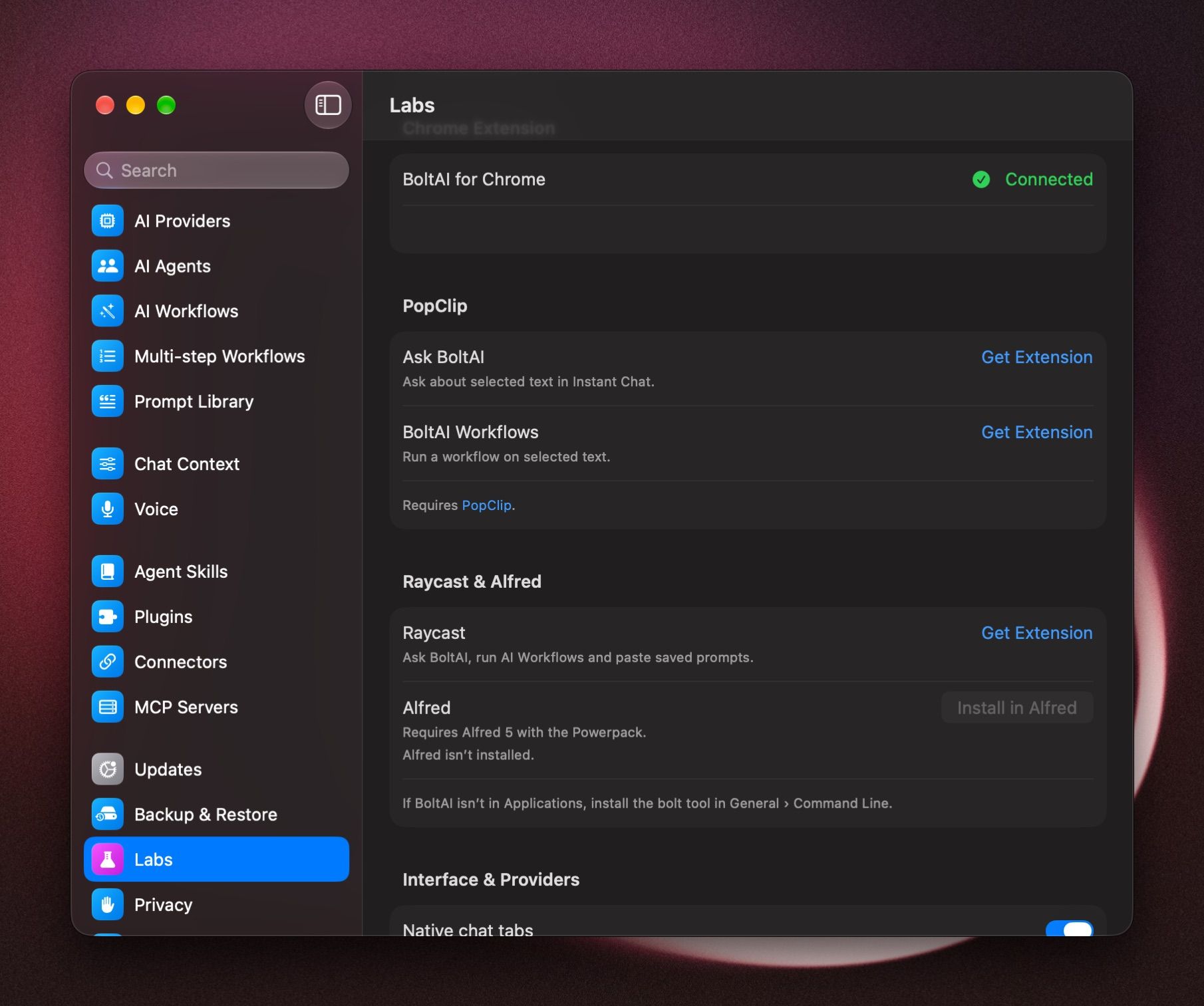
- In BoltAI, open Settings › Labs.
- Under PopClip, click Get Extension next to the one you want:
- Ask BoltAI
- BoltAI Workflows
- Install it in PopClip.
Both are also in PopClip's extension directory.
Ask about selected text
- Select text in any app.
- Click Ask BoltAI in PopClip.
The Instant Chat Bar opens with the text attached. Type your question and send. Nothing is sent until you do.
Run a workflow on selected text
- Select text in any app.
- Click BoltAI Workflows in PopClip.
- Pick a workflow, such as Fix spelling and grammar.
The workflow runs with its usual settings, and the result is pasted, copied or shown, as the workflow is set up to do. See AI Workflows.
Was this helpful?
Still need help? Ask the team