Manage providers
Add, edit, test and remove AI providers, and choose which models each one shows.
Written By Daniel Nguyen
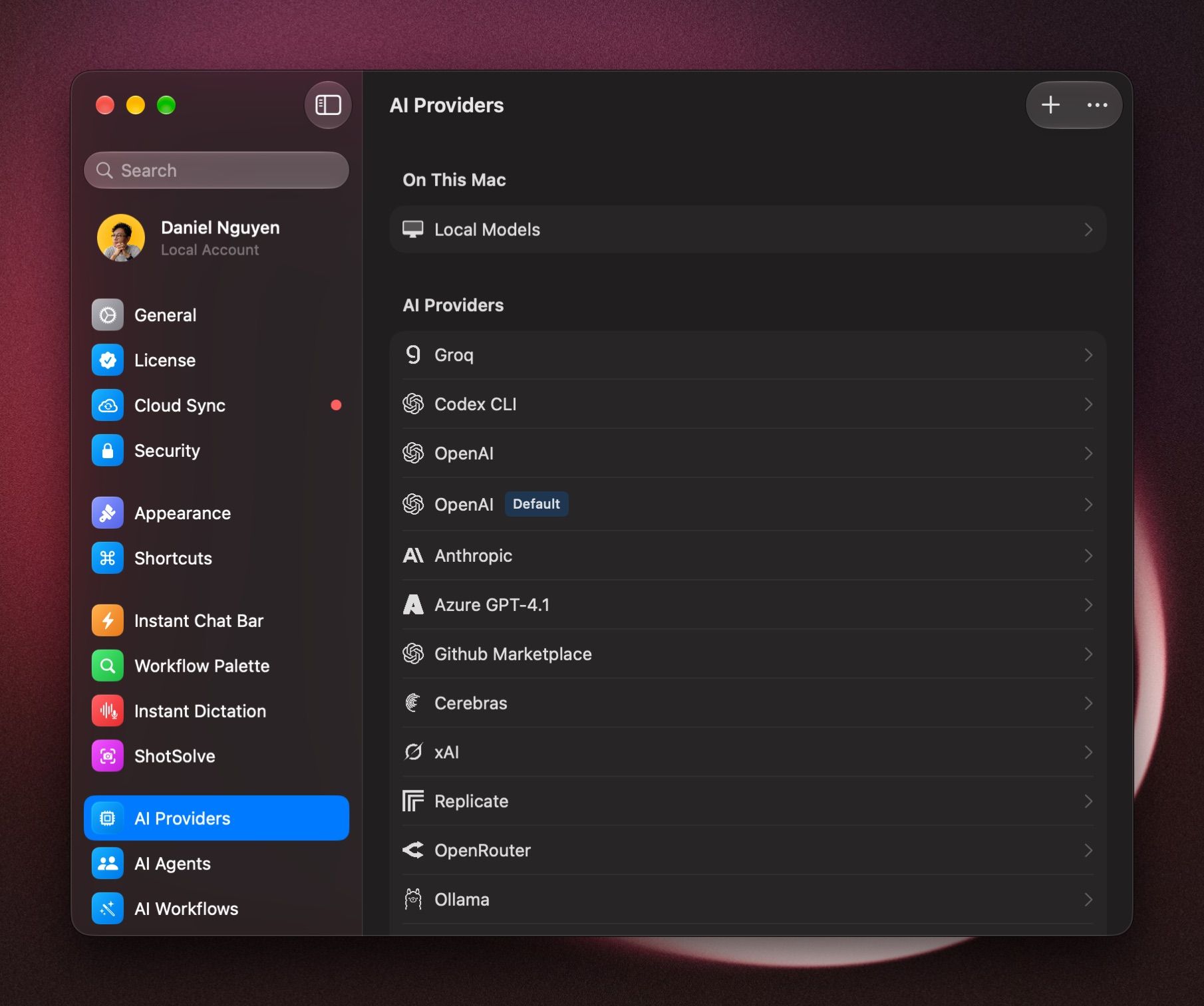
An AI provider is the service BoltAI sends your messages to, such as OpenAI, Anthropic or Google AI. Your providers are in Settings › AI Providers. Local Models, which run on your Mac, are at the top under On This Mac.
Add a provider
- Open Settings › AI Providers and click +.
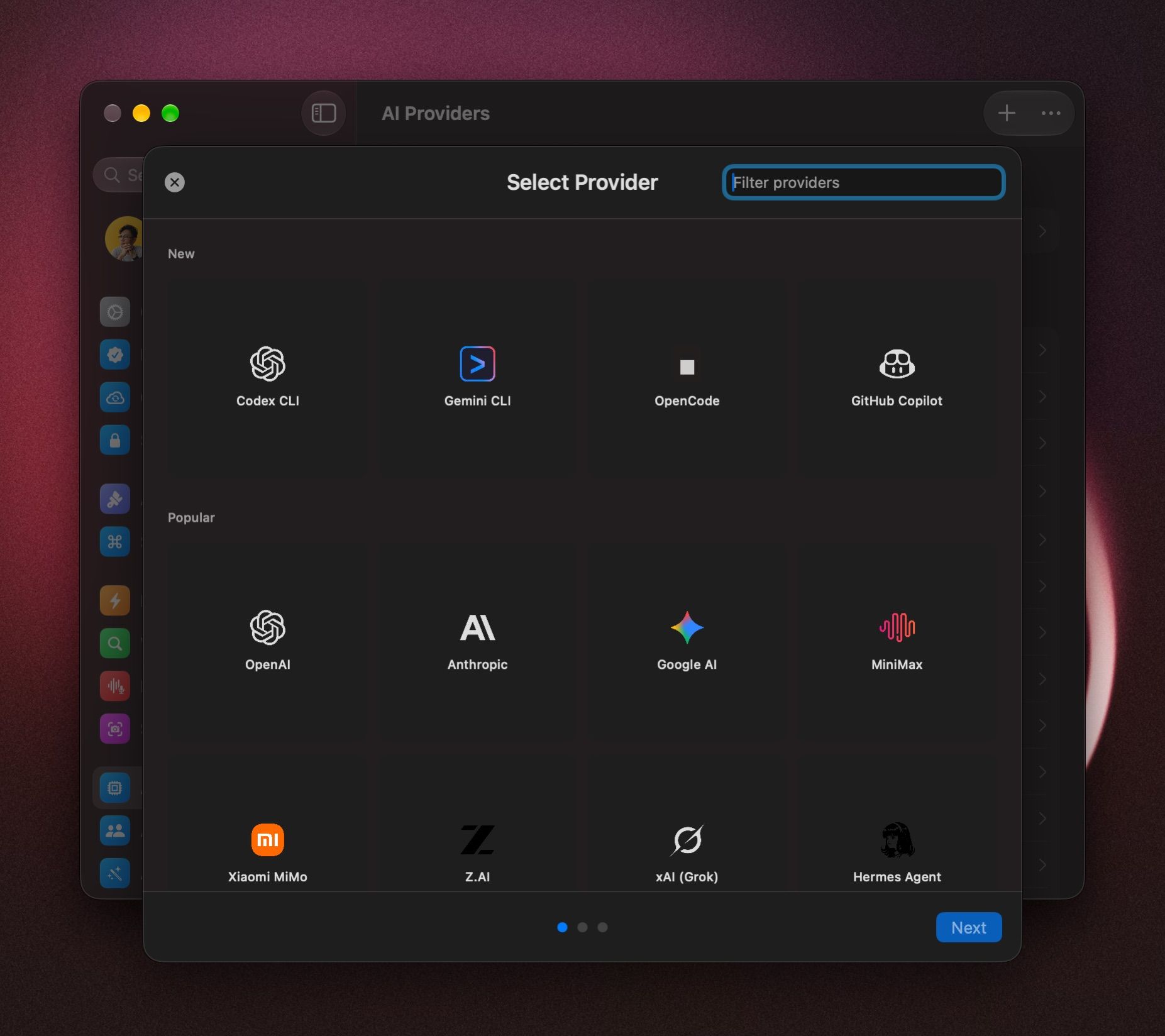
- Click a provider. Type in Filter providers to find one.
- Follow the steps for that provider, then click Add Service.
Each provider has its own step-by-step guide in this section, such as OpenAI, Anthropic, Google AI, Ollama and your ChatGPT plan. See also Add an AI provider and API key, and the guides for OpenRouter, Google Vertex AI, LM Studio, OpenClaw and Hermes Agent.
Use your ChatGPT plan
Instead of an API key, you can log in with ChatGPT through Codex CLI and use your ChatGPT plan. See How to use your ChatGPT plan in BoltAI (Codex CLI).
Change your default provider and model
New chats start with your default. In any chat, open the model picker, right-click a model and choose Set Provider & Model as Default. See Choose and switch models.
Hide a provider you don't use
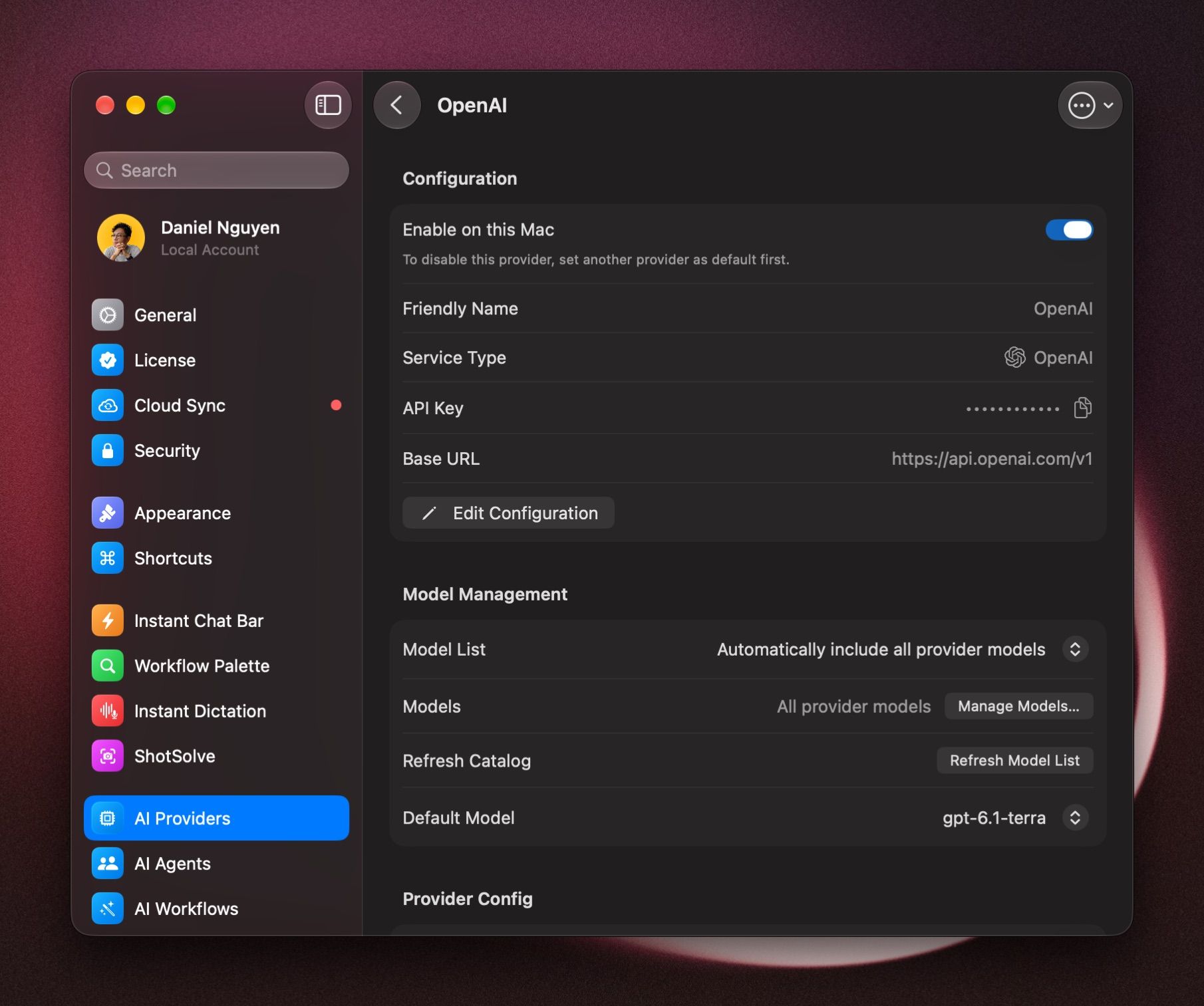
Click the provider and turn off Enable on this Mac. Its models leave the model picker. To turn off your default provider, make another one the default first.
Show only some of a provider's models
Click the provider, set Model List to Use selected models only, then click Manage Models… and tick the ones you want. See Choose and switch models.
Get the newest models
Click the provider and click Refresh Model List.
A provider stopped working
- Click the provider, open the ⋯ menu at the top, and choose Test Connection.
- If the test fails, choose Edit Configuration and check the API Key and the Base URL.
If replies from a slow model stop with a timeout, raise Request timeout in Settings › General. If your network needs a proxy, set Proxy there.
Remove a provider
Click the provider, open the ⋯ menu and choose Delete Service.
Was this helpful?
Still need help? Ask the team