How to use your ChatGPT plan in BoltAI (Codex CLI)
Log in to Codex CLI with your ChatGPT account and use your ChatGPT plan in BoltAI, with no API key.
Written By Daniel Nguyen
Codex CLI is OpenAI's command-line tool. Log in to it with your ChatGPT account, and BoltAI can use OpenAI models with your ChatGPT plan instead of an API key.
Before you start
- An active ChatGPT Plus or Pro subscription.
- Node.js 18 or later, to install Codex CLI.
Set up Codex CLI in BoltAI
- Install Codex CLI and log in. In Terminal, run:Log in with your ChatGPT account.
npm i -g @openai/codex && codex login - Open Settings › AI Providers, click + and choose Codex CLI.
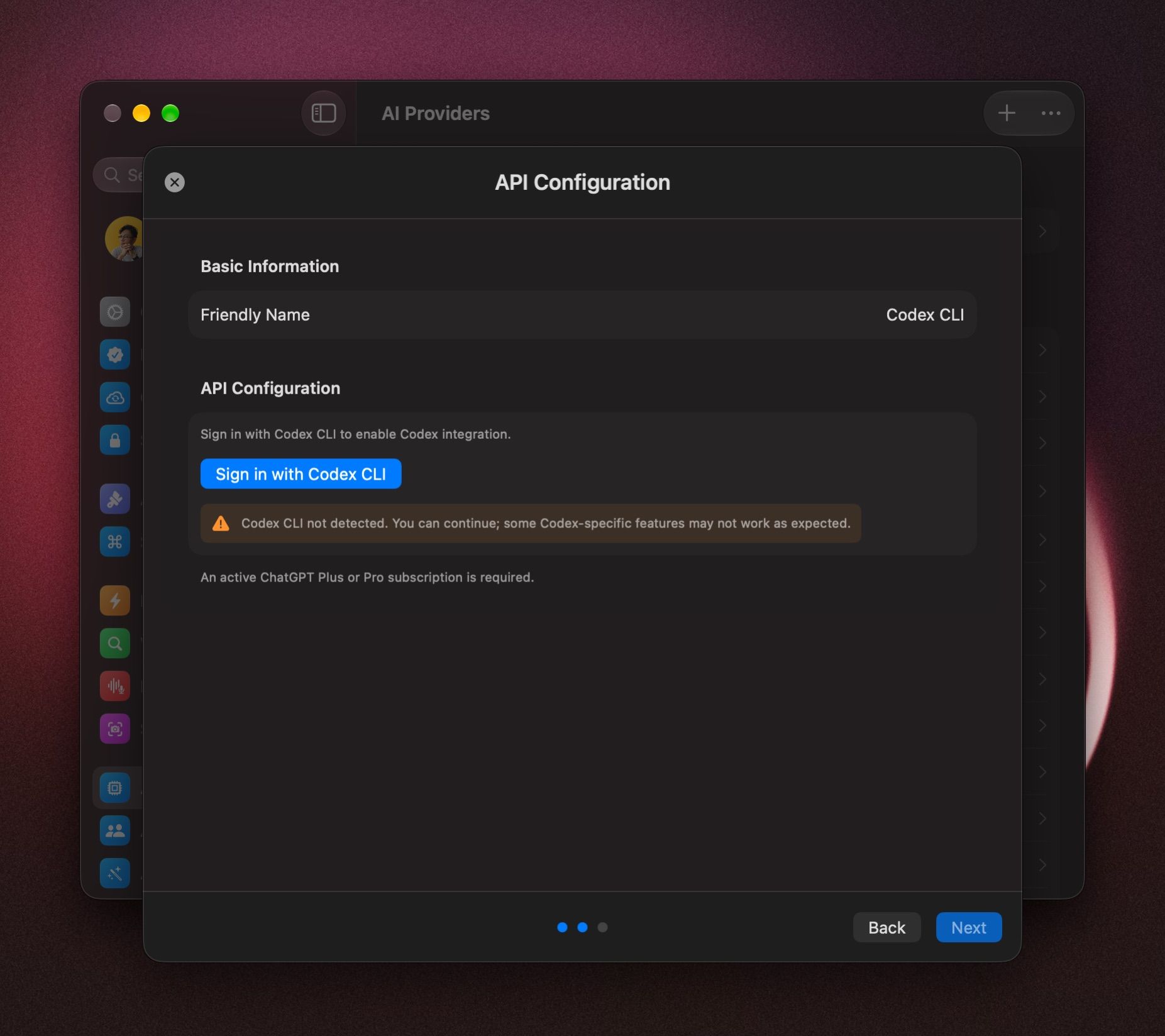
- If BoltAI already shows Verified, skip to step 6. Otherwise, click Sign in with Codex CLI.
- Tick I understand and accept the terms above, then click Sign in with Codex CLI.
- Click Verify Setup. When you see Authenticated with Codex CLI, click Done.
- Click Next.
- Keep all models, or untick the ones you don't want. To choose this provider's default model, hover over it and click Set as Default.
- Click Add Service.
Start a chat with your ChatGPT plan
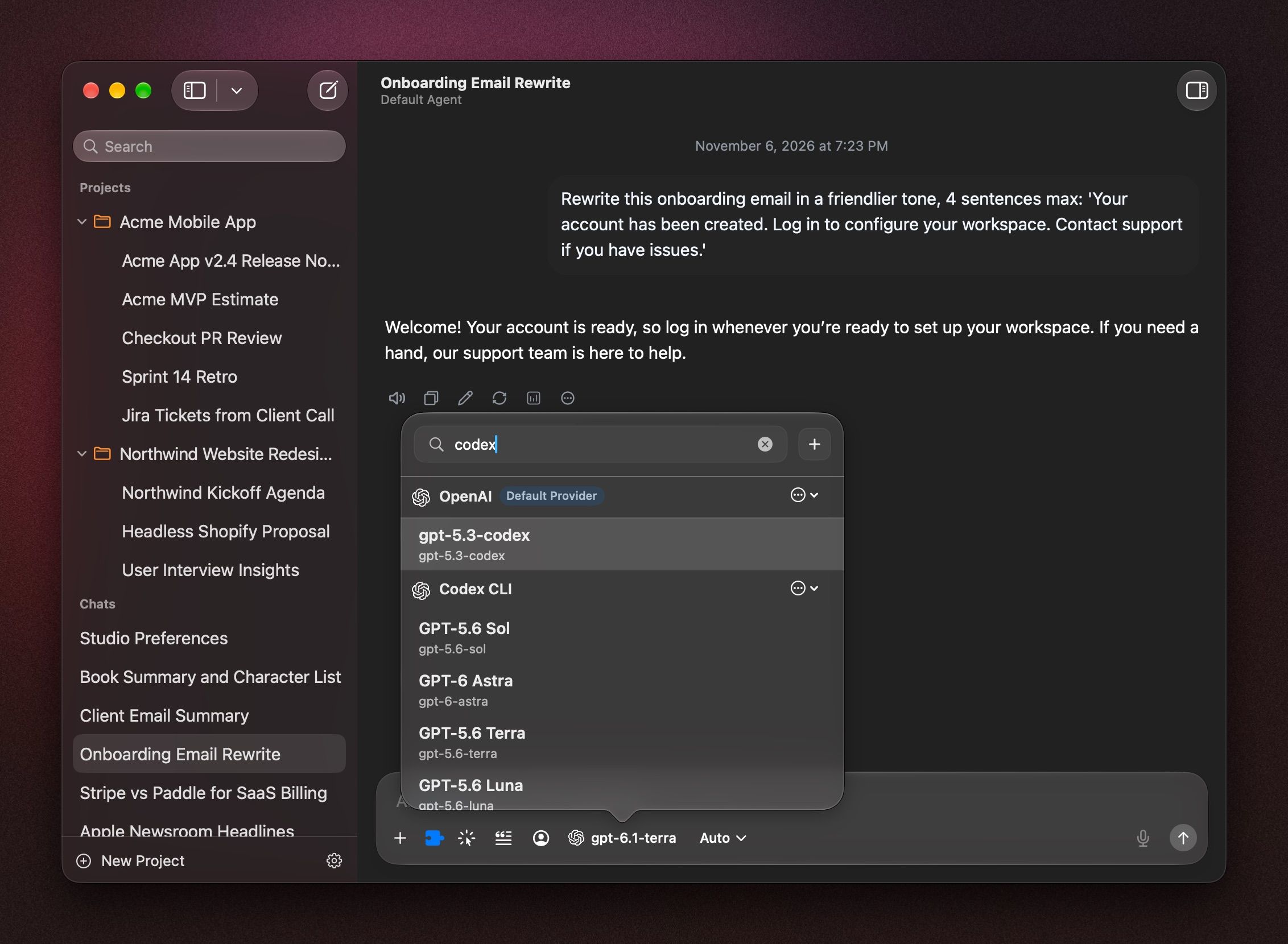
Click the model name in the message box, press ⇧ ⌘ M, or type /model. Pick a model under Codex CLI.
To start every new chat with it, right-click the model and choose Set Provider & Model as Default. See Choose and switch models.
Search the web
In the chat's Tools menu (⇧ ⌘ T), turn on Web Search under Provider Tools. See Tools in a chat.
If it doesn't connect
- No credentials found at ~/.codex/auth.json: run
codex loginin Terminal, then click Verify Setup again. - Codex login expired: run
codex loginagain. Then open Settings › AI Providers › Codex CLI and click Refresh next to Codex CLI Tokens. - Codex CLI not detected: you can still continue, but some Codex features may not work. Install Codex CLI with the command above.
- Still stuck? On the provider's page, open the ⋯ menu and choose Test Connection.
Was this helpful?
Still need help? Ask the team